When you click on links to various merchants on this site and make a purchase, this can result in this site earning a commission. Affiliate programs and affiliations include, but are not limited to, the eBay Partner Network.
Thanks to nDal on the North American Motoring Community, who helped with the coding of this 6WB digital cluster & retrofit of the same on my 2018 MINI Cooper CountryMan F60. Everything works as expected.
I used Part#62105A189C9 and purchased it from "BMW Parts Worldwide" for around 480/-US$ and it was the cheapest i could find online.
This part suits the Non-JCW variant of Petrol with Kms/hr for F60 CountryMan.
There are other part numbers that could possibly interchange with this and possibly all do the same thing, but if you buy the part that is closest to your car model, you will have that many less problems to solve while coding.
You can check the many available part numbers & their applicability on MINI SEATLE PARTS Website.
The physical installation was easy.
Your HeadUnit must have the MOST port and the Light must output on the side closer to the clip where it plugs into the 6WB cluster.If the light is coming out throughthe other port, you will need to swap the cables to correct it by raising the tab & pins on the clip to release & reinsert the 2 cables. If the light is coming through the wrong cable, the eSys software will not discover the 6WB KOMBI cluster and it will not be possible to code.
Hope this info helps.
Hi. A special thanks to #pillpusher for all the info.
I managed to retrofit the cluster and all is well except that I can not change the time or view music or nav instructions on the cluster. The MOST ring is connected the right way around and the cluster responds by sending light back on the return feed, and I can see the KOMBI in the CAFD tree. The manufacturing date has been changed as well.
I am 100% certain it has to do with the version of ESYS and psdzdata but it is a mission to get the 3.x launcher. I can se descriptions for FLE 34 and FLE 44 but not for the KOMBI and HU.
This brings me to my request: Can I ask anyone to check the code number of the FDL codes that corresponds with KOMBI_CIC, EXTERNER_MOST and EXTERNE_MOST_DIAG? (i.e. 3000_90_90_31 which is for the LOGO?) That way I can change the options there. When I check on ISTA I can see that both the COMBI and the MOST ring is green but the communication on the MOST ring does not seem to be OK.
I hope my ramblings makes sense and that someone may be able to assist me.
Thanks again to all involved!!!
Thanks to nDal on the North American Motoring Community, who helped with the coding of this 6WB digital cluster & retrofit of the same on my 2018 MINI Cooper CountryMan F60. Everything works as expected.
I used Part#62105A189C9 and purchased it from "BMW Parts Worldwide" for around 480/-US$ and it was the cheapest i could find online.
This part suits the Non-JCW variant of Petrol with Kms/hr for F60 CountryMan.
There are other part numbers that could possibly interchange with this and possibly all do the same thing, but if you buy the part that is closest to your car model, you will have that many less problems to solve while coding.
You can check the many available part numbers & their applicability on MINI SEATLE PARTS Website.
The physical installation was easy.
Your HeadUnit must have the MOST port and the Light must output on the side closer to the clip where it plugs into the 6WB cluster.If the light is coming out throughthe other port, you will need to swap the cables to correct it by raising the tab & pins on the clip to release & reinsert the 2 cables. If the light is coming through the wrong cable, the eSys software will not discover the 6WB KOMBI cluster and it will not be possible to code.
Hope this info helps.
Thanks to nDal on the North American Motoring Community, who helped with the coding of this 6WB digital cluster & retrofit of the same on my 2018 MINI Cooper CountryMan F60. Everything works as expected.
I used Part#62105A189C9 and purchased it from "BMW Parts Worldwide" for around 480/-US$ and it was the cheapest i could find online.
This part suits the Non-JCW variant of Petrol with Kms/hr for F60 CountryMan.
There are other part numbers that could possibly interchange with this and possibly all do the same thing, but if you buy the part that is closest to your car model, you will have that many less problems to solve while coding.
You can check the many available part numbers & their applicability on MINI SEATLE PARTS Website.
The physical installation was easy.
Your HeadUnit must have the MOST port and the Light must output on the side closer to the clip where it plugs into the 6WB cluster.If the light is coming out throughthe other port, you will need to swap the cables to correct it by raising the tab & pins on the clip to release & reinsert the 2 cables. If the light is coming through the wrong cable, the eSys software will not discover the 6WB KOMBI cluster and it will not be possible to code.
Hope this info helps.
Hi. Thanks for the quick reply. To be honest I am not sure. According to the year, I think it is NBT. Not sure how to confirm though. I am pretty sure the Most fibre is correctly connected because the most ring shows green in ISTA+
Hi. Thanks for the quick reply. To be honest I am not sure. According to the year, I think it is NBT. Not sure how to confirm though. I am pretty sure the Most fibre is correctly connected because the most ring shows green in ISTA+
In ESYS, does it say HU_NBT or HU_NBT2? NBT2 is EVO
I don't have a coding system without CAFD translation any longer (I bought ESYS X since TokenMaster is dead to the world of BMW coding), so count from the top, and the following will be what you're looking for:
If NBT, here's what you need to code:
3001, 19th option = KOMBI_CIC ... Werte = 00 KOMBI High
3004, 36th option = EXTERNER_MOST ... Werte = 01 Aktiv
3004, 37th option = ENTERNE_MOST_DIAG ... Werte = 01 Aktiv
If NBT2, here's what you need to code:
300D, 9th option = KOMBI_CIC ... Werte = 00 Kombi High
3004, 45th option = EXTERNER_MOST ... Werte = 01 Aktiv
ENTERNE_MOST_DIAG ... doesn't exist in EVO, so just code 2 above
Last edited by pillpusher84; Jul 5, 2021 at 03:06 PM.
Thanks a million for that!!! You are a lifesaver. The time is up and running. Basically had to set the KOMBI_CIC to High (00 in my case, 01 is MID and 02 is LOW) . Thanks again.
Don't bother with the tempered glass screen protector gone through 3 different types on Aliexpress and none of them fit properly. They are always cut to large for the Cluster and don't lay flat. Check those 1 star ratings you'll see.
Did find a gloss film off of eBay that I purchased for the center screen and it looks great. So I ordered a larger one and had to cut it down to fit the cluster. Looks great and has that glass shine that I like. Just have to smooth out a few tiny air bubbles.
Hi, when i read ecu , no see a kombi only have a bkombi, any have a ecu file to share plz.
Unclip the optic fibre from the cable at the end of Speedometer and arrange the Light emitting part in reverse direction, with the light emitting part closer to the clip, put back the clip and reconnect the plug to the digital speedo. This problem could be due to a badly arranged Optic fibre cable. You can try this trick and see if the ECU will now read the Kombi after this corrective step. I faced this problem and it was solved this way.You can also do this step at the HeadUnit end where the MOST cable originates.
Unclip the optic fibre from the cable at the end of Speedometer and arrange the Light emitting part in reverse direction, with the light emitting part closer to the clip, put back the clip and reconnect the plug to the digital speedo. This problem could be due to a badly arranged Optic fibre cable. You can try this trick and see if the ECU will now read the Kombi after this corrective step. I faced this problem and it was solved this way.You can also do this step at the HeadUnit end where the MOST cable originates.
Hi. A special thanks to #pillpusher for all the info.
I managed to retrofit the cluster and all is well except that I can not change the time or view music or nav instructions on the cluster. The MOST ring is connected the right way around and the cluster responds by sending light back on the return feed, and I can see the KOMBI in the CAFD tree. The manufacturing date has been changed as well.
I am 100% certain it has to do with the version of ESYS and psdzdata but it is a mission to get the 3.x launcher. I can se descriptions for FLE 34 and FLE 44 but not for the KOMBI and HU.
This brings me to my request: Can I ask anyone to check the code number of the FDL codes that corresponds with KOMBI_CIC, EXTERNER_MOST and EXTERNE_MOST_DIAG? (i.e. 3000_90_90_31 which is for the LOGO?) That way I can change the options there. When I check on ISTA I can see that both the COMBI and the MOST ring is green but the communication on the MOST ring does not seem to be OK.
I hope my ramblings makes sense and that someone may be able to assist me.
Thanks again to all involved!!!
Latest coding files are always in this BMW forum post:
no because my radio its a basic .. no have de most connection,.to install the digital speedo, i need the radio with display ..
then you won’t see KOMBI in the tree until you physically install it, add most cable and code the HU_NBT or HU_NBT2 correctly to have it pass the data over MOST.
NBT should be almost free at this point used online for a non touch 8.8 CID and you don’t have to buy the touch controller… you can keep the orange **** you have with NBT. There are also very good aftermarket wireless CarPlay adapters you can add on to the NBT so unless you find a great deal on the EVO (NBT2) … you should be able to get a better deal on NBT.
then you won’t see KOMBI in the tree until you physically install it, add most cable and code the HU_NBT or HU_NBT2 correctly to have it pass the data over MOST.
NBT should be almost free at this point used online for a non touch 8.8 CID and you don’t have to buy the touch controller… you can keep the orange **** you have with NBT. There are also very good aftermarket wireless CarPlay adapters you can add on to the NBT so unless you find a great deal on the EVO (NBT2) … you should be able to get a better deal on NBT.
I bought this is not touch $700
and this my original radio:
Last edited by Frmodule3r; Sep 5, 2021 at 03:49 PM.
I got a 2011 mini 2d s hatchback.
it has Bluetooth but can’t play music..
I need the lcd display preferably touch screen.
Also the new instrument cluster link and all the stuff I need please.
I live in America!
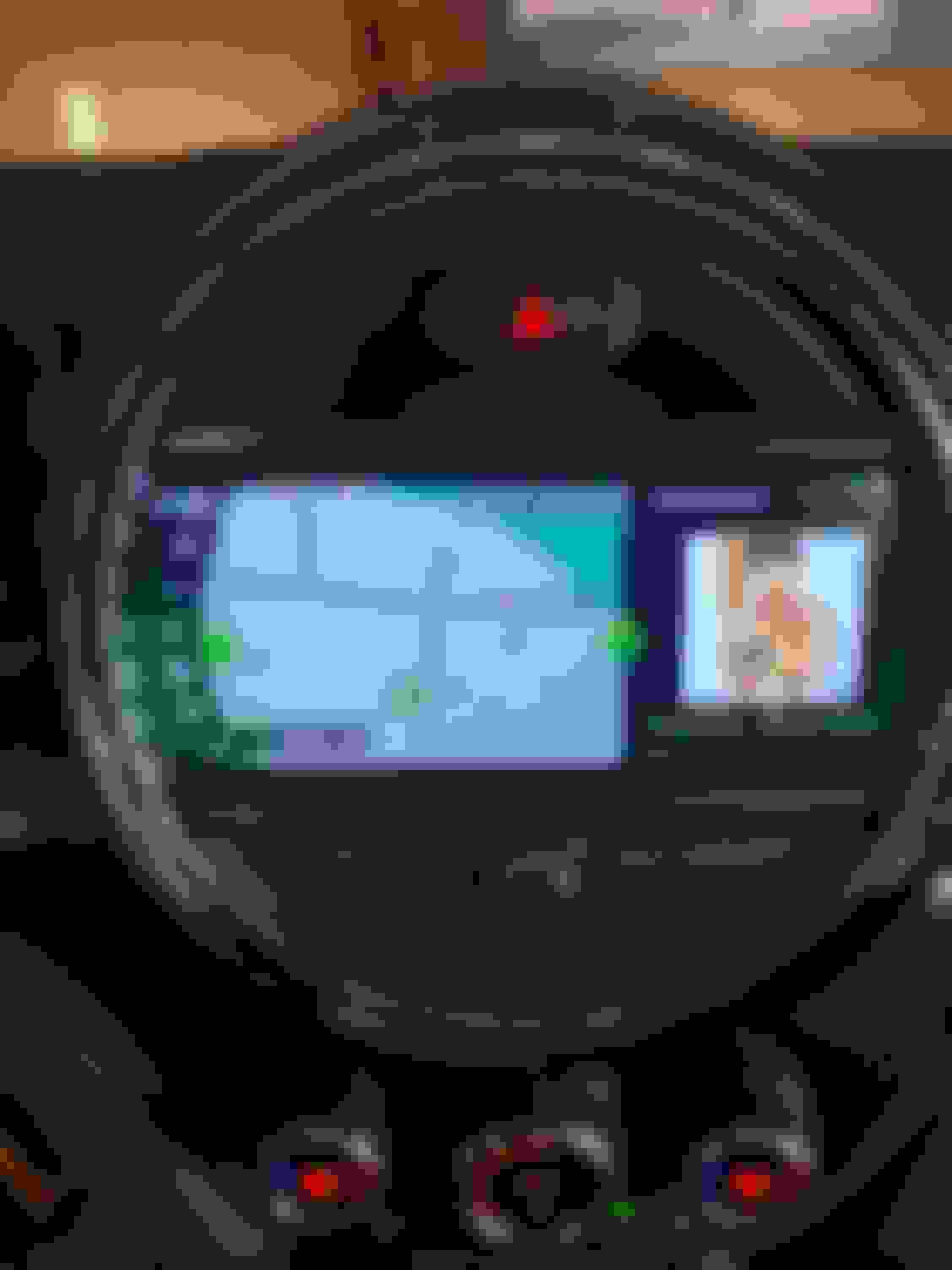
Hi, it's quite simple, in ESYS (after you have fully coded the car for 6WB) go to HU_NBT red coding data and search/code the string "NAVI_HUD_AVAIABLE" to "aktiv", if you don't have HUD the system will show the micromap on KOMBI, if you have HUD the string is allready active so you have to disable navigation on HUD to show it on KOMBI.
The map will work ONLY when you set a destination on NAVI, i'm looking if is possibile to have the Compass when the navigation is off, i'll update when i find the string
I have HUD the system,I Want to micromap on KOMBI(Not HUD)
I tried it NAVI_HUD_AVAIABLE" to " nicht_aktiv", (LauncherPRO→HU_NBT2)
But,not micromap on KOMBI(Still there on HUD)