Electrical Homelink install in map light area of 2012 R60

Thread Tools
 
Search this Thread
 
Old Feb 2, 2016 | 06:57 PM
  #1  
uslfcfan's Avatar
uslfcfan
Thread Starter
|
2nd Gear
Joined: Jan 2016
Posts: 102
Likes: 3
From: Atlanta
Homelink install in map light area of 2012 R60

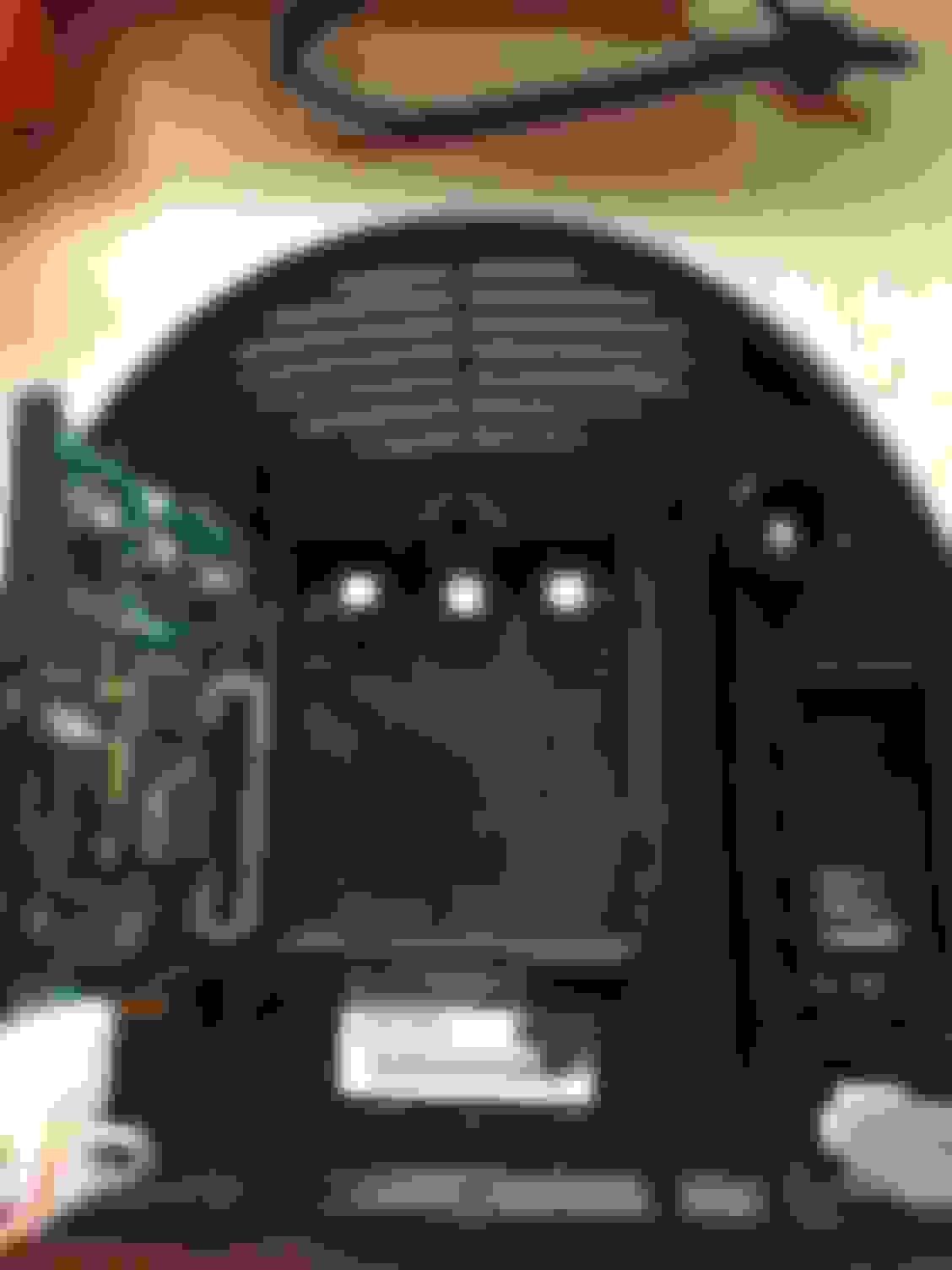
After reading about a few others installing a homelink system in their Mini I decided to try it myself. Ordered the rolling code homelink device for $20 on eBay. Took me about 3 hours total to do everything.

First thing you have to do is remove the buttons/cover from the homelink device. It is NOT easy to get off and I actually heated a screw driver up and slightly melted the tabs on the back to release it. I then cut off all the extra pieces of plastic from all sides of the device.

Next I popped off the cover for the Bluetooth system/map light area controls. It just pops out because it's doesn't have any screws. Then I removed the piece underneath by removing two screws that holds the piece in. Once the screws are removed you pop out the piece by pressing in the clips around the outside.

I then cut out most of the plastic in the middle of this piece. I also cut a small hole in the trim piece so the buttons could come through and attach to the trim piece.

Once everything looked good I ran a ground wire to a bolt in the ceiling and used a test light to find a constant power wire from the black wiring harness in the map light area. This was the 2nd to last wire from left to right. I simply tapped into this wire for my power source. I put everything back together and then just had to program it which was very easy.

Here are a few links you I used that helped me.

http://www.billswebspace.com/mcs.htm

https://r53minicooper.wordpress.com/...-less-than-20/

http://www.jonsooy.com/mini-cooper-h...al-opener-mod/

http://www.overheaddoor.com/garage-d...tructions.aspx

I am also attaching some pics


Last edited by -=gRaY rAvEn=-; Mar 14, 2016 at 08:16 AM.
Reply
Old Feb 2, 2016 | 07:39 PM
  #2  
Minnie.the.Moocher's Avatar
Minnie.the.Moocher
OVERDRIVE
Joined: Jun 2014
Posts: 5,390
Likes: 576
From: earth PNW
Professional looking install!
 
Reply
Old Feb 2, 2016 | 09:06 PM
  #3  
uslfcfan's Avatar
uslfcfan
Thread Starter
|
2nd Gear
Joined: Jan 2016
Posts: 102
Likes: 3
From: Atlanta
Thanks
 
Reply
Old Feb 3, 2016 | 07:42 AM
  #4  
Cmv138's Avatar
Cmv138
2nd Gear
iTrader: (1)
Joined: Dec 2015
Posts: 67
Likes: 0
Once write up. I did this awhile back but was to lazy to document it with pics lol
 
Reply
Old Feb 3, 2016 | 04:35 PM
  #5  
uslfcfan's Avatar
uslfcfan
Thread Starter
|
2nd Gear
Joined: Jan 2016
Posts: 102
Likes: 3
From: Atlanta
Thanks. I actually forgot to take a pic of the trim piece before I popped the home link device back together, oh well.
 
Reply
Old Feb 7, 2016 | 04:44 PM
  #6  
euells's Avatar
euells
4th Gear
Joined: Dec 2008
Posts: 333
Likes: 1
From: Chesterfield, VA
Great thread

Followed almost everything here to the tee, only had one issue finding a ground, but there was a 10mm bolt just to the left of the plastic bracket that worked perfect. I ran a wire up from the fusebox and used an Add-a-fuse and tapped the dome lights. Sorry for the crappy pic. Thanks for the great write up!
 

Last edited by -=gRaY rAvEn=-; Mar 14, 2016 at 08:17 AM.
Reply
Old Feb 10, 2016 | 02:00 PM
  #7  
ECSTuning's Avatar
ECSTuning
Platinum Sponsor
10 Year Member
Liked
Loved
Community Favorite
Joined: Jan 2013
Posts: 36,662
Likes: 2,517
From: Wadsworth, Ohio
Well done.
 
__________________

MINI Guru/ MINI Owner Since 2004 | NEW Lifetime Part Replacement | Local Pickup
Milltek | Genuine MINI | Forge Motorsport | NM Engineering | ECS Performance | M7 Speed
Customer Service Hours: 8am-8pm EST|Sales Team Hours: 8am-11pm | SAT 10am-7pm 800.924.5172
Reply
Old Feb 10, 2016 | 05:01 PM
  #8  
uslfcfan's Avatar
uslfcfan
Thread Starter
|
2nd Gear
Joined: Jan 2016
Posts: 102
Likes: 3
From: Atlanta
Great job on the install euells. Hope my post helped!
 
Reply
Old Feb 12, 2016 | 12:32 AM
  #9  
minicountry's Avatar
minicountry
3rd Gear
Joined: May 2014
Posts: 173
Likes: 0
I'll be next
 
Attached Thumbnails Homelink install in map light area of 2012 R60-12744597_10153428647078634_7561680601192192908_n.jpg  
Reply
Old Feb 12, 2016 | 05:03 AM
  #10  
uslfcfan's Avatar
uslfcfan
Thread Starter
|
2nd Gear
Joined: Jan 2016
Posts: 102
Likes: 3
From: Atlanta
Let me know if you have questions. Good luck
 
Reply
Old Feb 29, 2016 | 08:25 AM
  #11  
TrueEddie's Avatar
TrueEddie
5th Gear
iTrader: (2)
Joined: Apr 2011
Posts: 676
Likes: 4
From: Orlando, FL
I've joined the club! It took me twice as long to do it but I got it done. It looks good. The only thing I don't like is that you have to push the buttons quite hard for them to register. I guess since they aren't as close to the box as they used to be they have to travel further. Thanks for the idea, notes, and links guys
 

Last edited by -=gRaY rAvEn=-; Mar 14, 2016 at 08:17 AM.
Reply
Old Feb 29, 2016 | 08:34 AM
  #12  
Cmv138's Avatar
Cmv138
2nd Gear
iTrader: (1)
Joined: Dec 2015
Posts: 67
Likes: 0
I did my home link but it's on the other side and works great. I think there was something right behind the Homelink unit so it doesn't have any flex when I push it. Or you can hot glue it


Last edited by Cmv138; Feb 29, 2016 at 08:41 AM.
Reply
Old Feb 29, 2016 | 08:42 AM
  #13  
ECSTuning's Avatar
ECSTuning
Platinum Sponsor
10 Year Member
Liked
Loved
Community Favorite
Joined: Jan 2013
Posts: 36,662
Likes: 2,517
From: Wadsworth, Ohio
Awesome.
 
__________________

MINI Guru/ MINI Owner Since 2004 | NEW Lifetime Part Replacement | Local Pickup
Milltek | Genuine MINI | Forge Motorsport | NM Engineering | ECS Performance | M7 Speed
Customer Service Hours: 8am-8pm EST|Sales Team Hours: 8am-11pm | SAT 10am-7pm 800.924.5172
Reply
Old Feb 29, 2016 | 08:47 AM
  #14  
uslfcfan's Avatar
uslfcfan
Thread Starter
|
2nd Gear
Joined: Jan 2016
Posts: 102
Likes: 3
From: Atlanta
Try putting small erasers in between the buttons and the unit. I am going to try it this weekend because I am having the same problem. I will let everyone know if it works after I do it.
 
Reply
Old Feb 29, 2016 | 08:56 AM
  #15  
TrueEddie's Avatar
TrueEddie
5th Gear
iTrader: (2)
Joined: Apr 2011
Posts: 676
Likes: 4
From: Orlando, FL
Originally Posted by uslfcfan
Try putting small erasers in between the buttons and the unit. I am going to try it this weekend because I am having the same problem. I will let everyone know if it works after I do it.
Please let me know if this works for you. And share a picture of how you did it if you can.

Originally Posted by Cmv138
I did my home link but it's on the other side and works great. I think there was something right behind the Homelink unit so it doesn't have any flex when I push it. Or you can hot glue it
I actually did use hot some hot glue to hold it down. But I only put a little bit at the top of the box. It seemed to be holding well. I could probably double check though.
 
Reply
Old Mar 3, 2016 | 07:47 PM
  #16  
uslfcfan's Avatar
uslfcfan
Thread Starter
|
2nd Gear
Joined: Jan 2016
Posts: 102
Likes: 3
From: Atlanta
So I installed some erasers in between the buttons and the unit last night. They are about 1/16 of an inch thick. I used a small eraser from a mechanical pencil and the size is perfect. I attached them with a small drop of superglue. The buttons are perfect now. I am attaching a pic.

 
Reply
Old Mar 4, 2016 | 05:37 AM
  #17  
TrueEddie's Avatar
TrueEddie
5th Gear
iTrader: (2)
Joined: Apr 2011
Posts: 676
Likes: 4
From: Orlando, FL
Originally Posted by uslfcfan
So I installed some erasers in between the buttons and the unit last night. They are about 1/16 of an inch thick. I used a small eraser from a mechanical pencil and the size is perfect. I attached them with a small drop of superglue. The buttons are perfect now. I am attaching a pic.
Nice! Now I have to go buy some erasers!
 
Reply
Old Mar 14, 2016 | 07:32 AM
  #18  
TrueEddie's Avatar
TrueEddie
5th Gear
iTrader: (2)
Joined: Apr 2011
Posts: 676
Likes: 4
From: Orlando, FL
Finally got a chance to put the erasers in this weekend. The buttons are much better now. Thanks for the idea uslfcfan
 
Reply
Old May 30, 2016 | 11:24 PM
  #19  
minicountry's Avatar
minicountry
3rd Gear
Joined: May 2014
Posts: 173
Likes: 0
Homelink

Originally Posted by uslfcfan
Let me know if you have questions. Good luck
Which wire should I tap??
Thanks
 
Reply
Related Topics
Thread
Thread Starter
Forum
Replies
Last Post
DrKirsch
R56 :: Hatch Talk (2007+)
1
Nov 4, 2023 01:34 AM
NascarGuy
MINI Parts for Sale
3
Feb 8, 2016 12:36 PM
Tikigod
MINI Parts for Sale
1
Jan 4, 2016 10:07 PM
Sho Nuff
Suspension
3
Jan 4, 2016 07:22 PM
Kyriakos
R50/R53 :: Hatch Talk (2002-2006)
0
Jan 4, 2016 07:53 AM


All times are GMT -7. The time now is 09:07 PM.