When you click on links to various merchants on this site and make a purchase, this can result in this site earning a commission. Affiliate programs and affiliations include, but are not limited to, the eBay Partner Network.
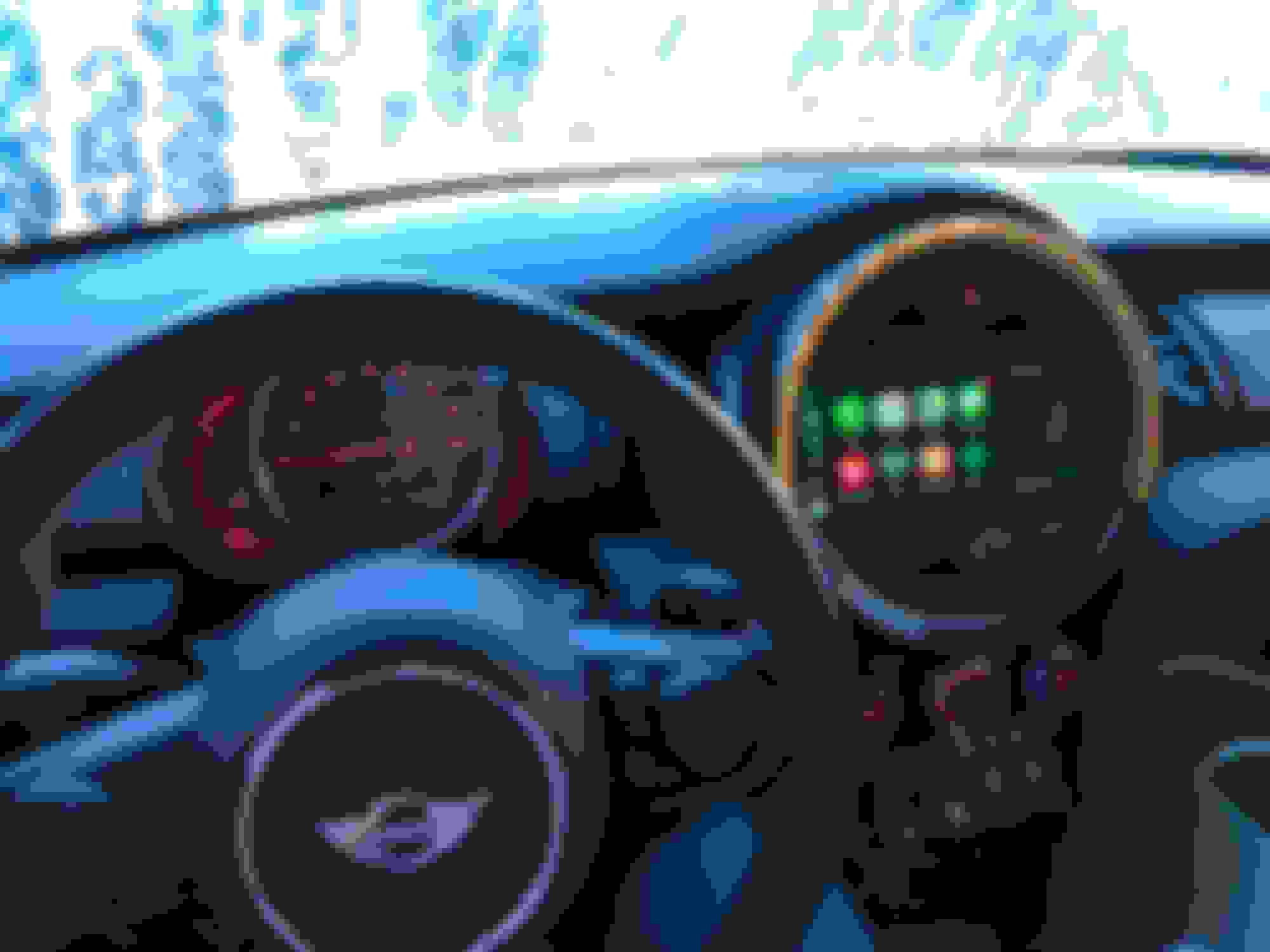
Took a while getting all the parts and putting this together, but finally was able to finish. Upgraded my simple crappy radio for the new Mini system with the touchscreen.
Would love to see the final parts list as well. I'm afraid to see the final price. Looking back at your post history this project has been in your mind for a few years.
These parts are what I needed as I had the regular radio, if you already visual boost, which is the 6.5" display, the cost will be less and less work will be required.
minicooperjp - sorry to detract from your post but where did you get the paddle steering wheel? Im looking for one with that button layout and text on the left.
Sorry for the dummy question- but where did you purchase these parts. ???
After about 20-30 min of google searches all I’ve found is crazy hack sites and no real way of purchasing??
That's look amazing! Great work!
My 2015 F56 already has Visual Boost, Media XL, and Navigation so technically (if I didn't care about touch), all I would need is the new NBT EVO headunit?
That's look amazing! Great work!
My 2015 F56 already has Visual Boost, Media XL, and Navigation so technically (if I didn't care about touch), all I would need is the new NBT EVO headunit?
You have the 6.5” screen? Is it that you want CarPlay?
If you want CarPlay then you will have to get the 8.8” screen with trim and the nbt evo headunit
You have the 6.5” screen? Is it that you want CarPlay?
If you want CarPlay then you will have to get the 8.8” screen with trim and the nbt evo headunit
I have the 8.8" so it seems like I'd just need the headunit?
What you would need is the head unit (coded), WiFi antenna, and a custom video cable for your display that has a voltage regulator, as the EVO has a different voltage.
What you would need is the head unit (coded), WiFi antenna, and a custom video cable for your display that has a voltage regulator, as the EVO has a different voltage.
Would that would be the CID cable from your parts list or a different one?
Ita different, the other one is if they’re both newer generation. It would be like the one on top. What you do is you use the same cid wire but replace the 2 voltage pins as shown on the pics.
I am in the midst of this of this retrofit from Visual Boost to Media XL (NBT EVO 2 head-unit). I have already installed the 8.8" screen, touch ecu and touch iDrive controller. I am planning to get my VO coded properly, so I don't need to use an emulator.
Is it okay to install the head-unit prior to coding and updating the VO; or is it better to code the head-unit on a bench prior to installation. I do not want to brick the head-unit.
@minicooperjp Where did you mount your GPS aerial and the WiFi aerial for Car Play.
Bench is better .. I had to send it to one guy he generated fsc codes under my vin and unlock it and updated maps to 18,2 or so and I just put it in and change the vo and all is working fine. We where trying to do it by pendrive but there was problem with usb ... also remotely with esys was problem because I do have just lite version not full so he wasn't able to find file for update .