When you click on links to various merchants on this site and make a purchase, this can result in this site earning a commission. Affiliate programs and affiliations include, but are not limited to, the eBay Partner Network.
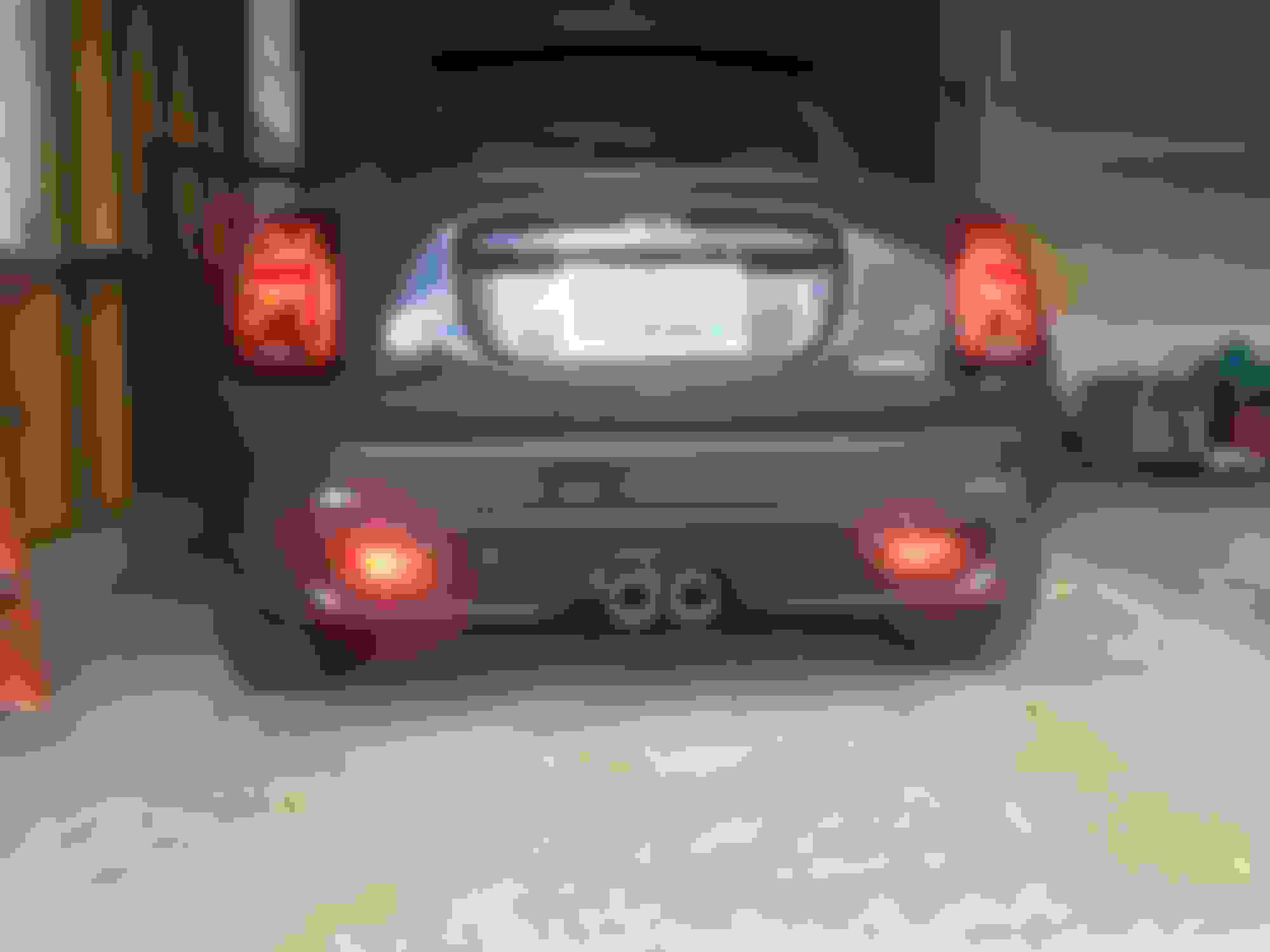
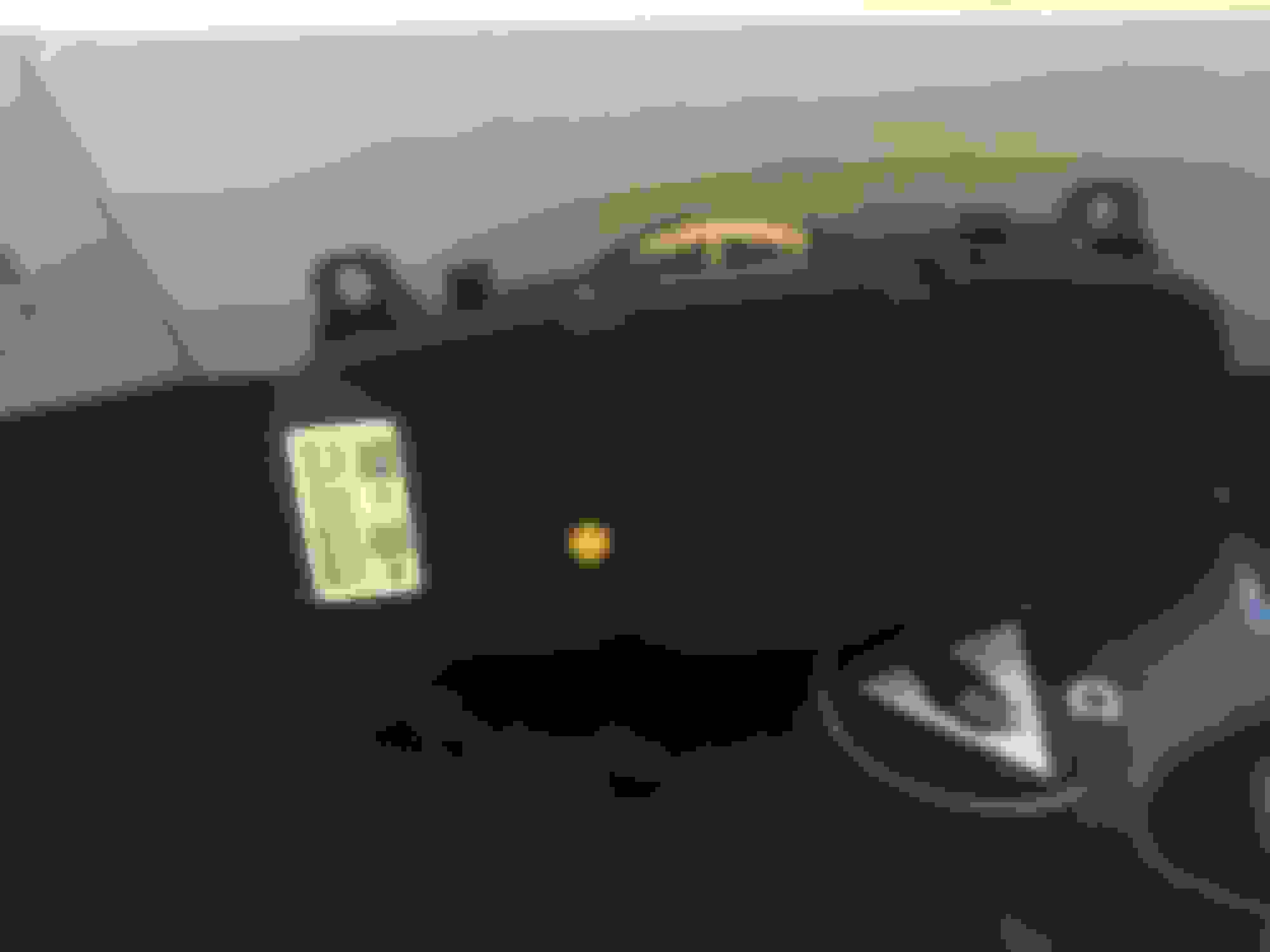
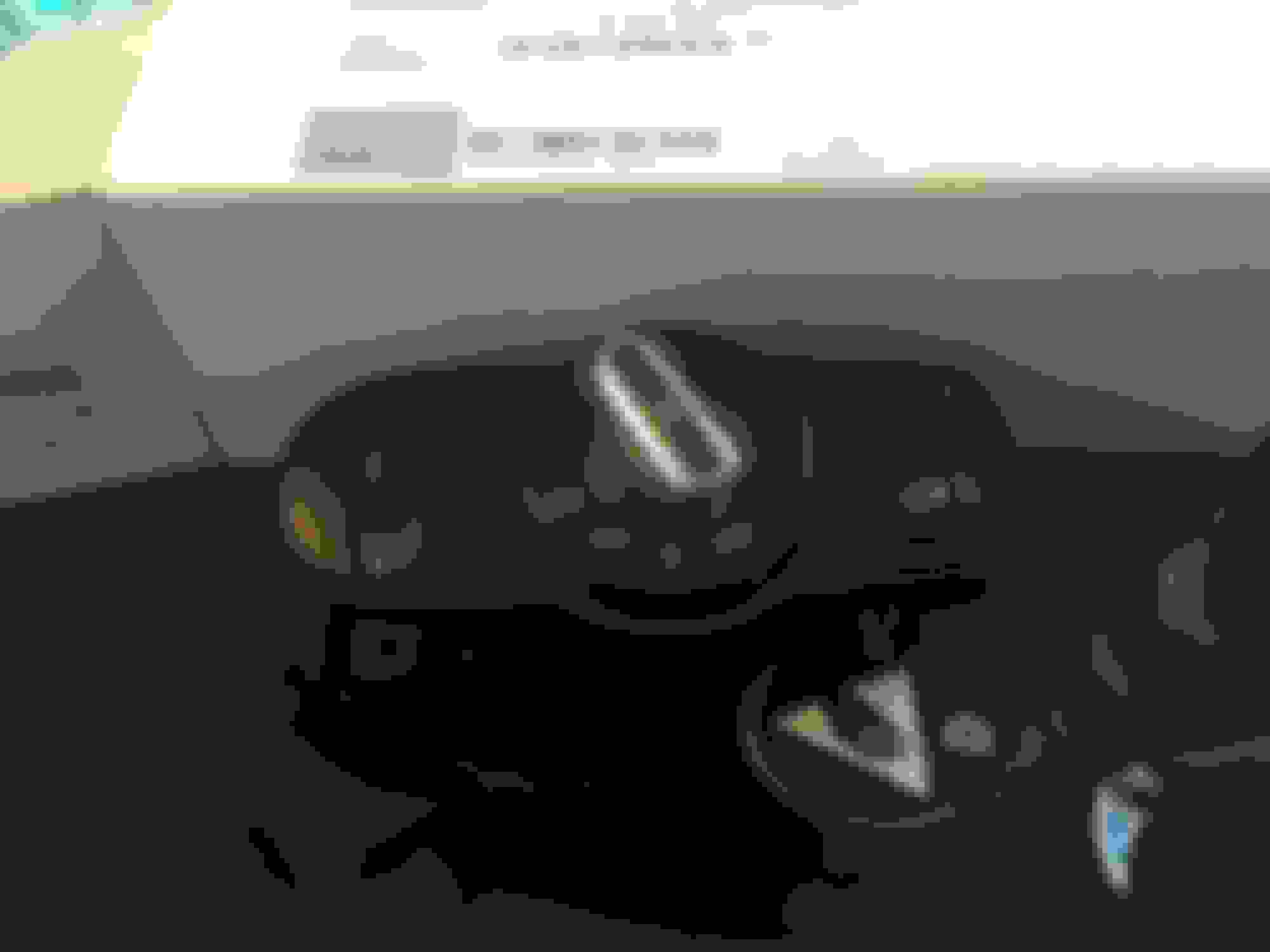
Wow! That was the easiest mod I ever did. Replaced light switch and activated 2019 F55 Rear Fogs lights (bulbs and wiring already there!) Euro Rear fog switch 61 31 9 865 845 (Thank you ECS Tuning!) Panel simply pulled out and switch was held in by fasteners (no screws), clicked new switch in and replaced wire connector. Everything except the rear fogs worked after replacing switch. As I had to code ECU with BimmerCode iphone app ($31) and a bluetooth OBDLinkMX+ adapter.
Recoded and now both rear and front fogs work
I found coding Originally Posted by TVPostSound (thank you!)
Coded: In Expect Mode....in the "Body Control Module" [No idea what that link is?] Activate Rear Fog Lights: 3068 NSL_Verbaut = Verbaut
(Note nebelschlussleuchte = NSL= Rear Fog Lights)
Code first, the cycle ignition, then restart Bimmercode for the below options
to show up. This was scariest part as it cycles thru with alerts--but afterwards it is all OK).
Every time you recode after doing rear fogs, you WILL get a dash warning about lighting errors.
cycle the ignition, it will go away, the warning after coding is because the VO has not been coded.
It will not persist after that.
This link was helpful. file:///C:/Users/toddt/Downloads/BMW...3%20series.pdf Turned on both left and right fogs Back of switch Original switch with dummy rear light switch Installed euro switch with rear fog button
If the dealer ever needs to recode your car, make sure you have the original switch with you.
Reinstall the original switch before coding.
Unlike the R56s we don't write a new VO, thus the coding will look for a switch with NO rear fog ability, and fail coding.
It happened to me, dealer called and said mine failed coding, and they ordered a new switch!!
If the dealer ever needs to recode your car, make sure you have the original switch with you.
Reinstall the original switch before coding.
Unlike the R56s we don't write a new VO, thus the coding will look for a switch with NO rear fog ability, and fail coding.
It happened to me, dealer called and said mine failed coding, and they ordered a new switch!!
This is helpful. Do I need to undo the coding in addition to using the original switch, or just swap the switch back?
Just swap the switch.
Mall your custom coding will get zeroed out by the dealer coding.
Their coding resets your car to factory VO specs with the updates.
You can also use the backup function on Bimmercode to quickly restore your set up. In theory, I've never actually needed to do so but it is documented by Bimmercode how to do it.
You can also use the backup function on Bimmercode to quickly restore your set up. In theory, I've never actually needed to do so but it is documented by Bimmercode how to do it.
MM. I'm not familiar with a backup function, so I emailed BimmerCode about it.
My question: "Iis it possible to save my coding to simplify recovery after the dealer performs a software update?"
His answer: t"this is not possible. The backups that are made contain the complete coding data and this may not be compatible anymore after the software has been updated."
His answer: t"this is not possible. The backups that are made contain the complete coding data and this may not be compatible anymore after the software has been updated."
I agree completely. But, on a positive note, most of the desired coding changes are included in the shortcut menu now. Lot easier to just toggle the feature on/off rather than get into the weeds with expert mode. The first time I coded mine it seemed to take a long time, but a couple months ago after the dealer surprised me with an unexpected DME software update, it took very little time to add all my changes back.