When you click on links to various merchants on this site and make a purchase, this can result in this site earning a commission. Affiliate programs and affiliations include, but are not limited to, the eBay Partner Network.
Sorry to revive this thread but above, adriancl says to use driver sent by seller. Instructions @bimmerforums, linked by ssoliman, say use drivers but not from cd. Looks like the reason is that INPA at bimmerforums is modified to better work with Windows 10. Is this correct? I will be installing on Windows 7 laptop. Want as little fuss as possible...
Thanks
Good Luck finding a fuss-free INPA installation. I am struggling with my own INPA installation woes. I think I can work it out, but so far nothing.
Im using Inpa with a WindowsXP VM on my Macbook air. Win7 should also be fine I guess
Are you using Parallels? What version, and what Mac OS? I'm a mac user but have desktop, not laptop. Didn't want to shoe-horn in my mac/monitor/keyboard/mouse into the MINI.
I got an old windows laptop for this purpose. It's been a while since I've used Windows, so we'll see how it goes.
Good Luck finding a fuss-free INPA installation. I am struggling with my own INPA installation woes. Here are some things I think are worth commenting about. When I ordered my INPA cable, I didn't know any of this. I wanted to conveniently read about these things somewhere, but I had to figure this stuff out inch by inch. That's why I'm sharing.
-Windows XP seems like the best version of Windows for INPA to me. Most of the videos showing successful INPA installs seem to be running XP. I'm not experiencing any problems with XP. That's not why my installs are failing. I tried Windows 10 and that seems to be too modern for many INPA installations.
-SP-Daten files are the data files for different chassis cars (I guess). None of my INPA packages seem to contain the information for the R50/R53. One package has the option for R50, but it seems to be empty, no information for communicating with the car. For that install, it seems Daten file installation is necessary after installing INPA. I seem to have downloaded the correct Daten file from MEGA for the R50 but haven't figured out how to get it installed correctly for any of my INPA installs. It seems like there must be a way to add the Daten but so far, nothing. I have used the tool that seems to be necessary to install the Daten, the BMW Coding Tool. It seems to work on a few of my INPA installs but then I run INPA there is no access to the R50 Chassis.
-I'm using the free program Virtualbox to spin up machine after machine. Virtualbox runs on any computer. Virtualbox seems to be causing no problems either. None of my Virtualbox machines seem to have any trouble connecting to the USB port and installing the correct KDCAN drivers. The Drivers that seem to install the smoothest are the ones you can find from using a program like 7-zip to Extract files from the BMW Standard Tools .rar package. That free downlaod is on Bimmergeeks.
-I've used these installation packages:
BMW Standard Tools
Mike's Easy BMW Tools
Bimmergeeks Standard Tools
INPA Fxx
Tools that came with my cable on CD
All of these packages install fine on XP but none work as the option for R50 (used for R53 also) does not show up when I run INPA.
-To me it is ok to test versions of Windows that have been out of production for many years, even decades. This can be done using ISO's created by who-knows-who and posted on Archive.org. These are not copies of Microsoft Installation CD's which require installation product codes, rather they are disc image files created by users with Windows comuters. These are images of their computer systems in whatever state they were in when the ISO was created. These images, ISO files, install and run whatever the user had on their computer, no installation code, just the image from their computer when they created the ISO file. In this way it is possible to test whatever version of windows you want that have been out of production for a long long time. Btw, I've purchased Windows XP several times but I don't have any of the discs anymore.
-My problem is getting INPA to correctly show the R50/R53 Chassis as options. I think I can work it out, but so far nothing.
All interesting observations. Hopefully we can all sort out some of this stuff here together. I'm just getting started, not sure what I have yet! If I need it, got a link to the R50/R53 daten files?
Anyone needs help installing inpa. I can do login on your computer an do the install inpa along with daten files. I done it for several folks on here. Takes a while to do it. I do not mind helping out.
All interesting observations. Hopefully we can all sort out some of this stuff here together. I'm just getting started, not sure what I have yet! If I need it, got a link to the R50/R53 daten files?
Anyone needs help installing inpa. I can do login on your computer an do the install inpa along with daten files. I done it for several folks on here. Takes a while to do it. I do not mind helping out.
Anyone needs help installing inpa. I can do login on your computer an do the install inpa along with daten files. I done it for several folks on here. Takes a while to do it. I do not mind helping out.
That's a kind offer... I might take you up on it but I want to try on my own first.
Can anyone tell me why I wouldn't just install the software on the CD that came with the K+DCAN cable? Is it not trustworthy? Not the best version of the software?
I used the cd. It will work. Just make sure when you go to install. Always make sure you go to compatibility mode. An choose win xp sp2. After you install. You may or may not have R50 option when you load inpa. You have to go in to the cfgdat file an edit.
Oh boy, you said it! I was able to follow the installation process shrevemini outlined in a different thread, but the minute I try to install the cable driver, I get blue-screened. And this is a freshly refurbed major name brand laptop running a fresh install of Win 7, with nothing else on the drive. Grrr.
Oh boy, you said it! I was able to follow the installation process shrevemini outlined in a different thread, but the minute I try to install the cable driver, I get blue-screened. And this is a freshly refurbed major name brand laptop running a fresh install of Win 7, with nothing else on the drive. Grrr.
So it went stupid when you tried to install the driver?
So it went stupid when you tried to install the driver?
Yes. First, when connecting the cable to configure device in device manager... it doesn't show up in Ports (COM & LPT), it shows up in "Other Devices" as DCAN, and naturally shows up without a driver. That's when I installed driver, and crashed Windows. It looks like Win 7 is having some issue verifying the driver signature. I tried installing the driver from the CD perhaps half a dozen times, every time with a blue screen and memory dump as a result.
I have turned off the driver signature check. Now I can boot, and cable (I think--says FTDI is manufacturer, which I believe is one of the on-board chips) shows up in Universal Serial Bus Controller. I found some link at obdii365 that suggests there is a similar driver problem (for a similar cable) in windows 8, and I think it has some hints that might be relevant, but haven't made much headway yet. It's been nearly a decade since I used a windows box, longer for any technical stuff, so I'm rusty.
EDIT: I downloaded a windows 7 driver package from FTDIchip.com, installed, and now device manager says cable is happy.
Incidentally, I bought the same cable package as you--followed your "jeff bezos company" link in another thread.
Last edited by WhoHasGotTheBlueS; Sep 17, 2021 at 05:34 PM.
Gents, see post #16. Follow the directions to the t. Don’t try and reinvent the wheel. The dude who put that together spent many hours and lots of trial and error…
What Profile you used?Usual need Expertmodus or Factory coding.
Try different profiles, must work.Here a small video how to use NCSExpert and NCS Dummy to recode EMS and BC. https://www.youtube.com/watch?v=Ea3WHDmh67M&t=44s
I got it to work. I just had to update my daten info.
Thanks for sharing the driver. While you were uploading that to your drive, I edited my post to say that I had found a driver that seemingly worked. But I have got your driver in case that does not prove to be true. Thanks
Gents, see post #16. Follow the directions to the t. Don’t try and reinvent the wheel. The dude who put that together spent many hours and lots of trial and error…
buy the cable in #16. It works. Who cares why.
I wasn't able to download the zip file at that source. It seems to be some sort of google drive glitch. Says the file is too big to scan for viruses, and the download anyway button just opens another tab for the process to repeat. A quick search shows others (in general, not INPA people) have had similar problems with google drive, though clearly not everyone...
Edit: strike that, by enabling third party cookies, I am now able to see the zip file on that fellow's drive, and it is downloading now...
Last edited by WhoHasGotTheBlueS; Sep 18, 2021 at 06:25 PM.
I got INPA installed. I just finished writing a summary of what I did, but for some reason it all got lost.
I will come back and edit this post later.
Quickly:
I took apart the USB K+DCAN interface cable sold by AntiBreak (red backshell) to confirm it had FTDI chip. I downloaded new drivers from FTDI, which solved the driver problems.
I wiped out all the software I had installed from the CD that came with device. I copied in the files adriancl linked in post 11 above. The INPA software works, and I have been able to talk to the computer in my car via the OBDII port.
Anyone needs help installing inpa. I can do login on your computer an do the install inpa along with daten files. I done it for several folks on here. Takes a while to do it. I do not mind helping out.
We've been PM and I got this on the last message I tried to send you
"
shrevemini has exceeded their stored private messages quota and cannot accept further messages until they clear some space."
I was able to combine the Mikes Tools install and another newer install I downloaded (INPA+EDIABAS_7.3.0+NCSEXPER+BMW_Coding_Tool). I have it on a Win 10 machine that I also use for ISTA since I have an F20 as well.
Here is what I did:
I installed Mikes Easy BMW Tools
I renamed INPA to INPA_OLD
I then copied in the inpa files from the newer version that included the R50 files into the same directory location
I ran inpa again and Mikes install "fixed" itself.
I closed inpa
I had to create the INPA.ini to add the R50 menu and stick that in the CGDAT folder
I bought an inpa cable with the pin 7/8 switch on it off of Amazon Japan
I had to edit the com port on my system after the USB cable was attached to force it to use Com1
I also copied the odbc.ini file to C:\windows
I had to make sure the pin 7/8 switch was set properly.
I started INPA and was able to communicate with the car
Everything worked fine. In my case I needed to reset the SRS light on my barn find R53 cooper s for inspection
For all INPA users.Install instruction on video for Win7 and Win10.Ten minutes install time, easy to do it if follow instructions from video,
Download file from mega link , and unzip in driveC. https://mega.nz/file/pNsiCYhK#l0i-WR...ywQEJKCwlybo0E
Delete first as you can see in video previous INPA folder installed from a previous failed installation attempt.
Follows install instructions from video:
for any question , just ask here.
Instalation is for INPA, NCSExpert and NCS Dummy
If your INPA have a s witch , after connect to OBD and ignition on , set the switch to see Battery On , Ignition On.
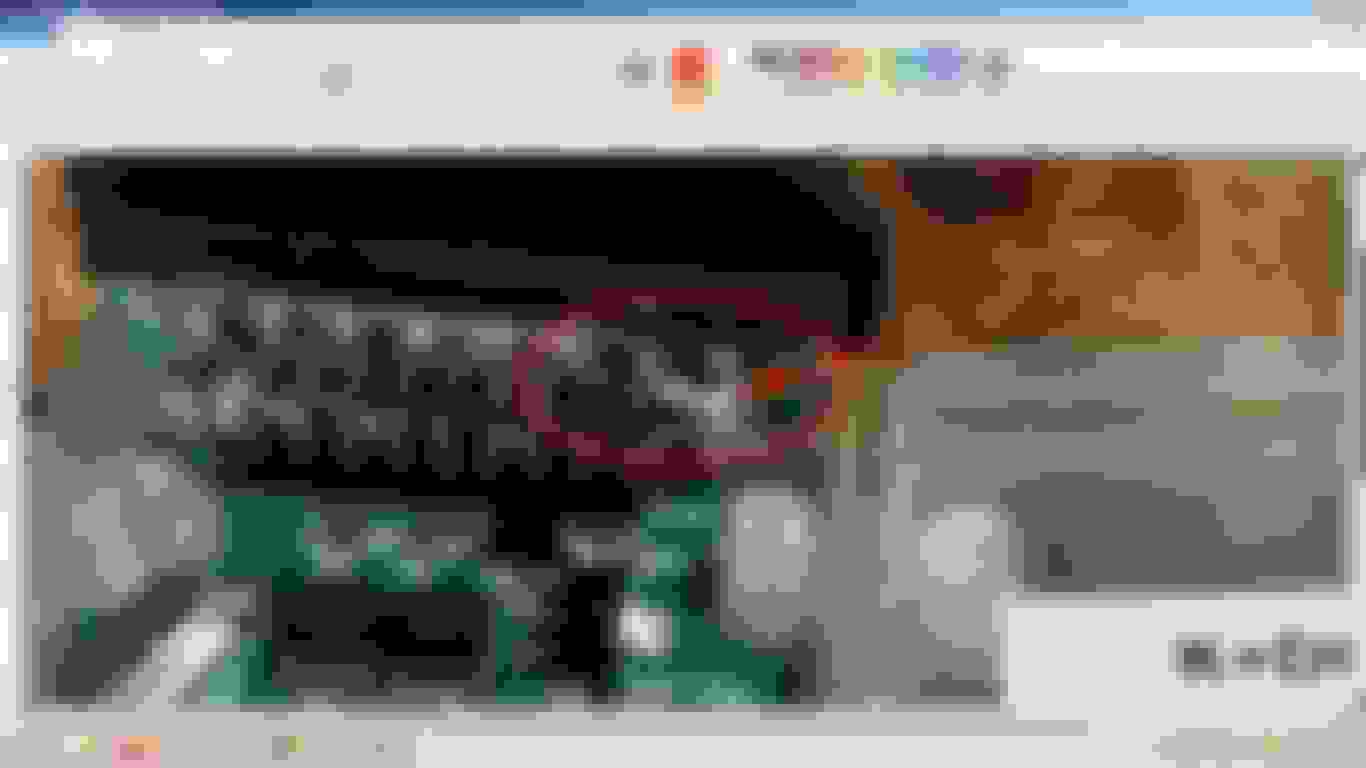
If don't have switch , than remove the INPA cover and check if pin 7 and 8 are bridged.If not do a bridge between pin 7 and 8 as in picture.
Unbridged pin 7 and 8 is for Mini R56 use.