When you click on links to various merchants on this site and make a purchase, this can result in this site earning a commission. Affiliate programs and affiliations include, but are not limited to, the eBay Partner Network.
@sb2002 & @ndal - thank you both for bringing my 2019 Countryman up to the same level as my 2022 F57!!! I so appreciate your help.
For folks considering doing it... this is *NOT* DIY unless you're fluent in BMW eSYS. 185Gb of files and lots of menus in German... I will tinker around in Carly/bimmercode but this was out of my league. My dealer wouldn't do it (they are busy and say it's not needed), so thanks to these guys for making it happen.
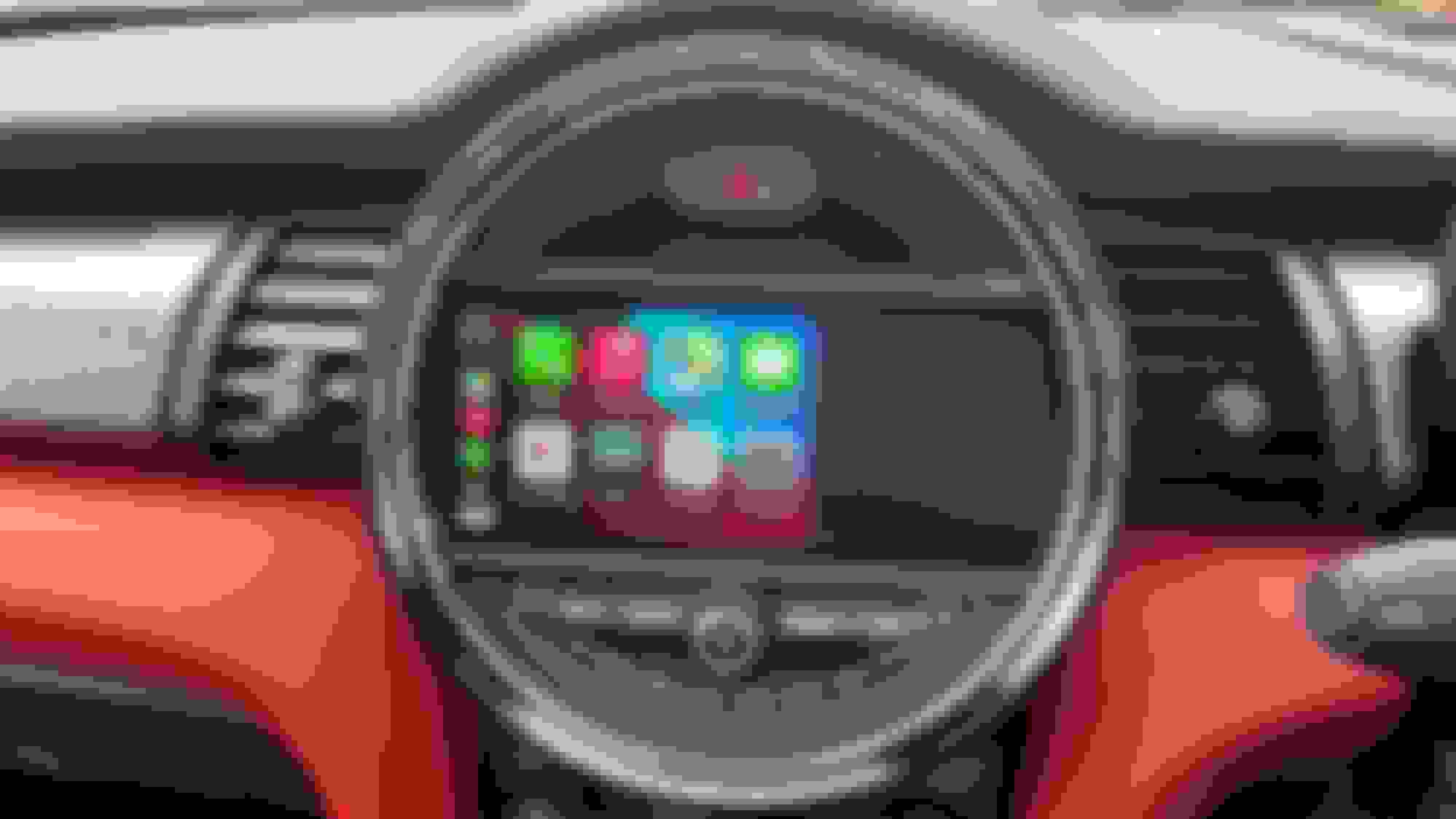
I must be missing something...I actually like the Split Screen CarPlay, as I can see what is playing in the right window. My Honda Ridgeline has Full Screen CarPlay, and I'm constantly switching between CarPlay and Media to pick new media tracks.
I must be missing something...I actually like the Split Screen CarPlay, as I can see what is playing in the right window. My Honda Ridgeline has Full Screen CarPlay, and I'm constantly switching between CarPlay and Media to pick new media tracks.
no prob - just go to the 1st pane of car play and it shows the active map (whatever app you use - waze, Google, Apple) and now playing is on the right (also from whatever app - Spotify, overcast, etc).
havinf had full screen CarPlay now for a few days - love it.
no prob - just go to the 1st pane of car play and it shows the active map (whatever app you use - waze, Google, Apple) and now playing is on the right (also from whatever app - Spotify, overcast, etc).
havinf had full screen CarPlay now for a few days - love it.
enjoy your CarPlay! If anyone needs CarPlay full screen or id4 to id6 or the new mini interface i can help you guys achieve this!
oem files with warranty like at the dealer.
Hey @mtailor
You are not forced to listen to anyone.
This is what i would do. Flash it to version X with CarPlay full screen and see how it goes!
If you get lags, reboots then dowgrade it to a stable version , but with carplay split screen.
Hi All. I started this thread and @ndaland I are both Mini owners and continue to help with remote software updates (for the new interface), CarPlay activations, enabling fullscreen CarPlay, along with other coding changes.
thank you!
enjoy your CarPlay Full Screen and your new firmware.
So
I did some calling around, and also spoke to several 'experts' on the forum.
It was pretty clear. I cannot get the full screen Carplay, and i won't be able to get the touchscreen either as i have the id4 with 2gb ram.
I will eventually get an ID5/6 unit with touch screen - but i won't pay THAT level of money.
anyways. spoke to several people - and it did come down to cost ultimately, but also on reviews too. i have to say there are may great people that can do upgrades on the forum and it was ultimately a difficult choice to whom i went with.
Dragos V got the job, it was simple 'bread and butter' type upgrade. i think the 'work' connection was what sold it.
quick review of this work. Great first class service. We spoke on the phone, i identified what i want and he promplty talked me out of it because of the issues i would face. As an engineer myself it wasnt hard to deduce the positives vs negatives.
he sent me a file with what to download, and i loaded it onto my laptop. In the morning i logged him into Teamviewer and let him get about his business. 40 mins later - its all done.
10 mins after that he loaded the carplay FCS and its thank you very much.
Hi All. I started this thread and @ndaland I are both Mini owners and continue to help with remote software updates (for the new interface), CarPlay activations, enabling fullscreen CarPlay, along with other coding changes.
Please continue to reach out with any questions.
Hi guys, I own a 2015 Mini Cooper D, F56, vin WMWXN310503B42620. I would love to have Carplay. Thanks for everything Steve.