When you click on links to various merchants on this site and make a purchase, this can result in this site earning a commission. Affiliate programs and affiliations include, but are not limited to, the eBay Partner Network.
Navigation & AudioAudio upgrades, bluetooth, and navigation discussions surrounding the Clubman (R55), Cooper and Cooper S (R56), and Cabrio (R57) MINIs.
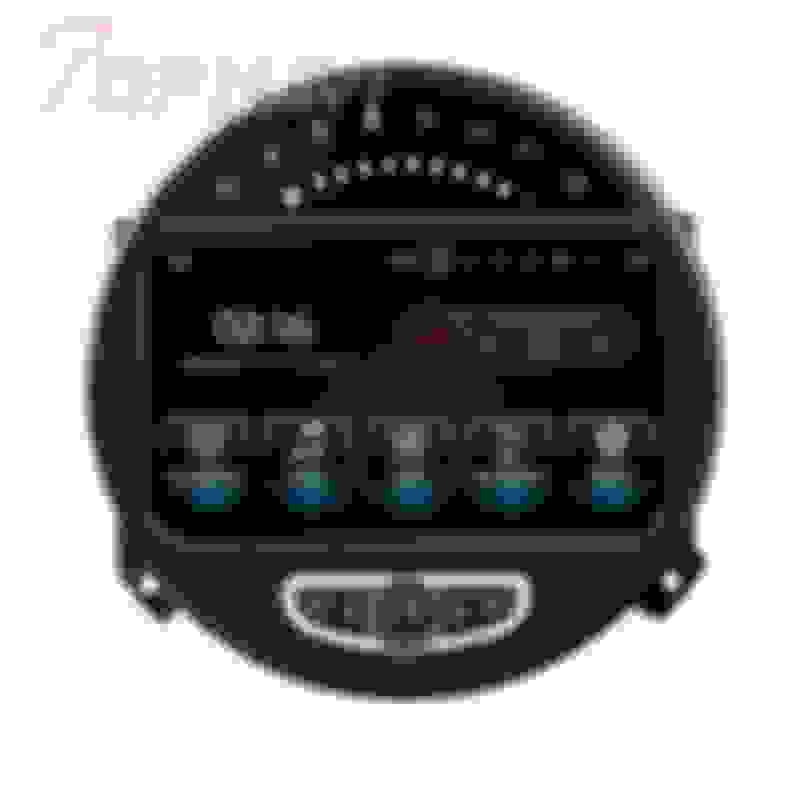
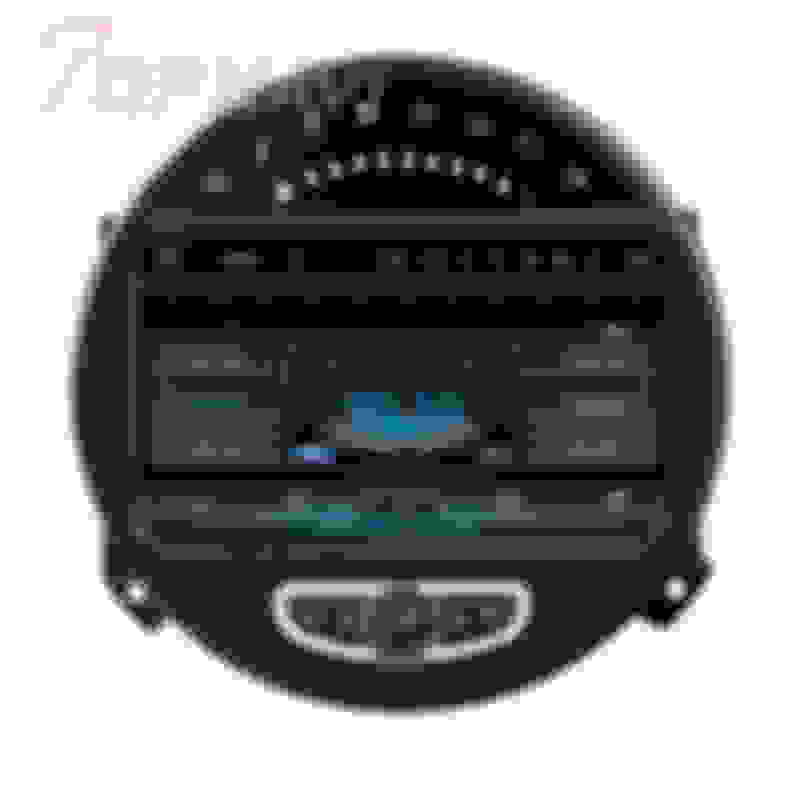
With the new information about not being able to see the LED and no MPH available, I'll probably go this route and add a double din navigation unit below the speedo. Easy to add Bluetooth, backup camera, navigation, and anything else you'd want. A little more intense for the install, but I think it will give me more of what I want. And I like the big speedo in the middle. Cost comes out about the same either way. Around $500-$600. The downside with this one is that you lose the computer screen on the speedo.
I actually have it test fitted and think it’s a nice piece of kit. The interface seems snappy, the navigation acquired my location quickly, WiFi and Bluetooth connected without issues.
But it aside from that, I can’t really comment yet. I didn’t try any media, I haven’t hooked up an FM antenna and there are several separate wires I need to run down. There’s no installation instructions, no wiring schematics, no operator’s manual.
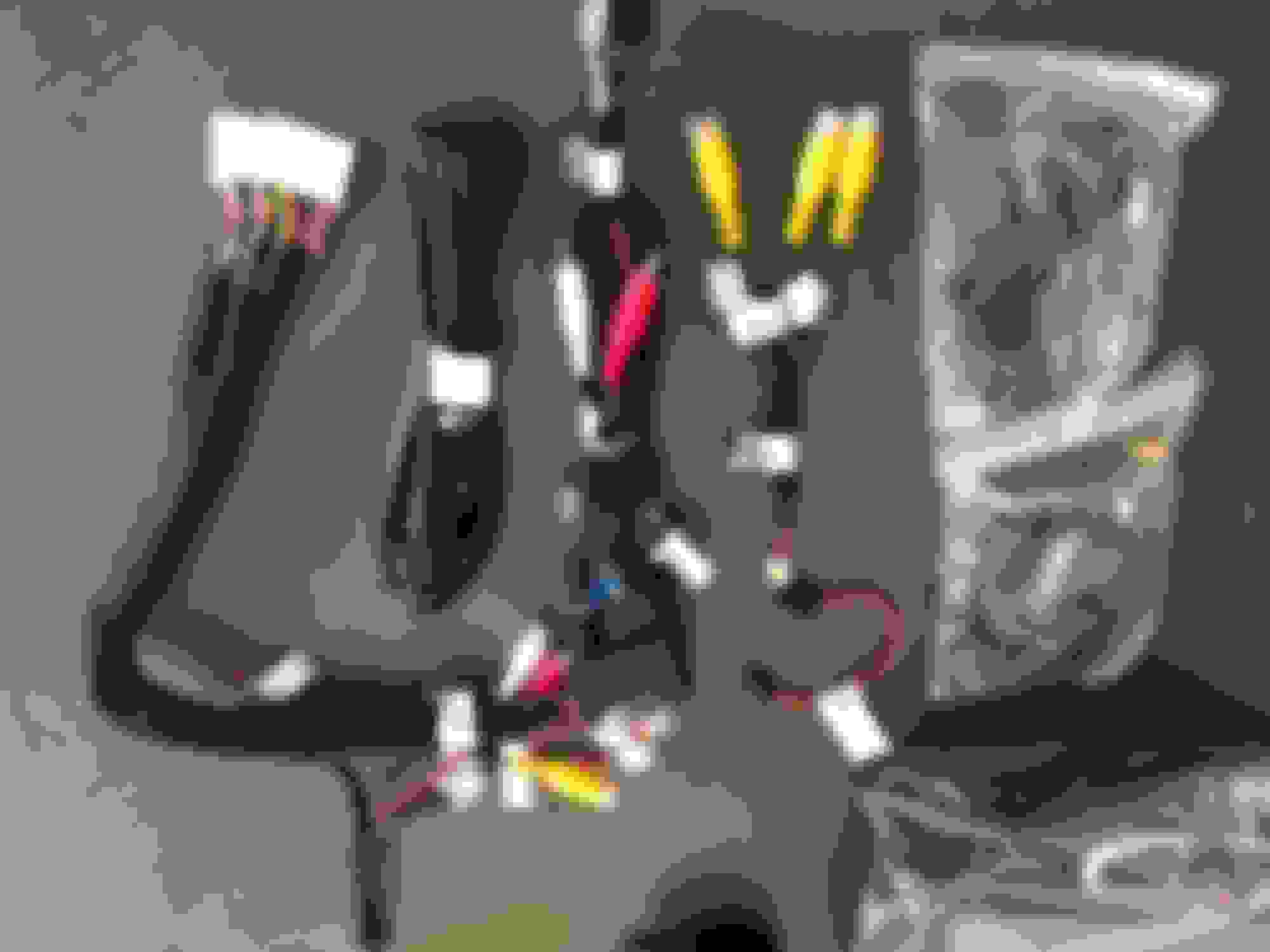
Im going to pull it back out today and take pictures of the wiring for posterity.
I’m also switching out all of my center console controls to LCI and installing a P3 gauge on the dash trim. My wife is not amused.
Sorry updates have been sporadic, but I finally buttoned up everything last night. First drive impression is that it's a very well made product and fits great in the MINI.
Second impression is that it was a super pain in the ***** to install. Thank god there are a few really good disassembly videos on YouTube.
To answer ECSTuning's question, you only see the speedometer screen when you press the MPH button. All other functions are available via that screen though so it's not like you're missing out. One issue that I haven't figured out yet with the stock ROM is how to change the speedometer from kph to mph. It has me completely stumped.
On the plus side, these units have pretty good developer support from XDA and they have theirs running in miles per hour. I just don't think the ROM is all that attractive.
Here's the final shot with the nav unit and LCI center stack. I'm really glad I changed out my old gross grey climate controls. It's a much better look.
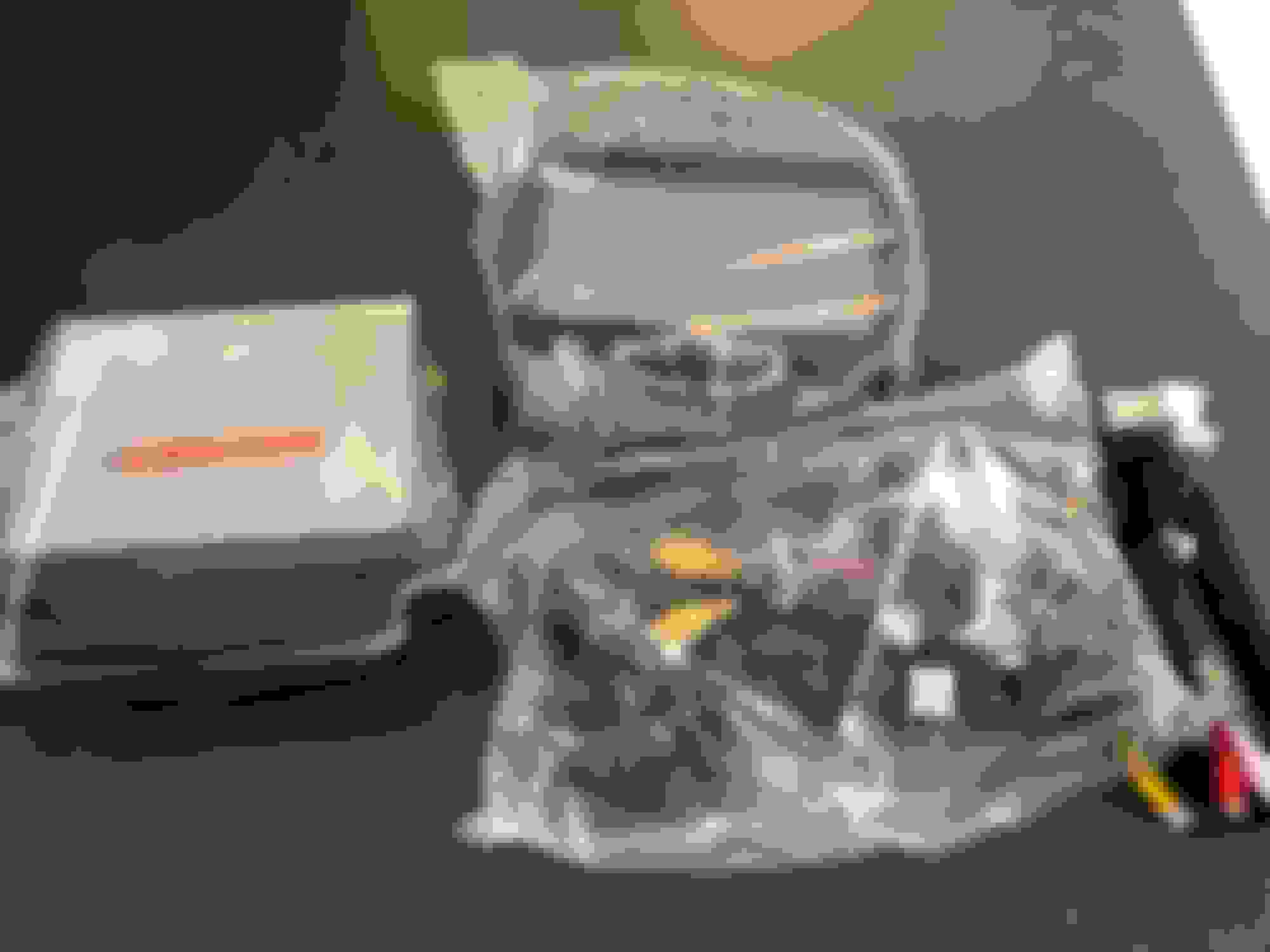
Here's a few more pics of the components out of the box. I'm not sure how well this will show up, but there was a small speaker, about the size of a hockey puck, that plays all the dings and gongs and ****. It's really big for what it is but at least the bells and whistles are still there for those who care.
Also included was this little flat antenna that I have no idea what its purpose was. There is only one screw-on antenna on the unit and that's for the GPS antenna and the GPS antenna is clearly marked that. Eh, oh well.
Could that extra antenna be for cellular connection? I notice it has a slot labeled “GPS”, which is odd because the GPS chipset is never in that kind of card. But it looks like the right size for a SIM card!
Could that extra antenna be for cellular connection? I notice it has a slot labeled “GPS”, which is odd because the GPS chipset is never in that kind of card. But it looks like the right size for a SIM card!
That’s a micro SD slot where GPS map data is supposed to be stored. There’s a corresponding one that I’m using a 64GB card in with music and videos. I haven’t used the nav features beyond verifying it was seeing the satellites before buttoning it all up.
One cool thing I noticed today:
I had a video playing and put the car into reverse. The backup screen popped up and when I shifted into first, the unit rewound the last few seconds of the video and began playing it automatically.
Not that I condone video playback while in motion, but I thought it was a neat implementation.
carpecervisi, did yours come with a crappy little speaker for the "chimes"
mine has a nasty sounding signal clicker for when i use the signal to change lanes.
carpecervisi, did yours come with a crappy little speaker for the "chimes"
mine has a nasty sounding signal clicker for when i use the signal to change lanes.
Yeah, it’s about the size of a hockey puck. Pure crap but it serves the purpose. I wonder if those sounds are mp3s or wavs on the filesysten and if they can be changed.
if you ever find out if thats possible let me know. This is my second system. i had the 4.2.2 version several years ago with the KM speedo and swapped to this one 2 weeks ago. the older one had better clicker sounds, this one is pure crap.
Do you get high pitched whine while driving and listening to music or talking on bluetooth?
i also have the apple carplay dongle which works well but SWC "next" and "back" buttons dont work with it.