When you click on links to various merchants on this site and make a purchase, this can result in this site earning a commission. Affiliate programs and affiliations include, but are not limited to, the eBay Partner Network.
Navigation & AudioAudio upgrades, bluetooth, and navigation discussions surrounding the Clubman (R55), Cooper and Cooper S (R56), and Cabrio (R57) MINIs.
Hey all, I'm sure this is already answered on NAM somewhere but for the life of me I can't find it. Anyone know a troubleshoot for this issue I'm having with my '12 R56...
The screen that should pair my phone with the BT just sits on "please wait" (see below):
And, if I press the joystick to the right it will move to the "Options" screen, but it won't actually let me select/activate the "Bluetooth" box (see below):
I've checked the Owner's Manual, and I've done my best with search terms here and on Google, but I can't find anything on how to get off the "please wait" screen.
Just purchased a 2010 N18 R56 MCS, I have exactly this problem. Can't find a solution at all.
I've tried using the BMW/Mini software update online tools, but they just give me an error. ("An error has occurred. Please try again later.")
Also can't find a way to reset/reboot the visual boost system.
If anyone can add to this, I would be MASSIVELY appreciative.
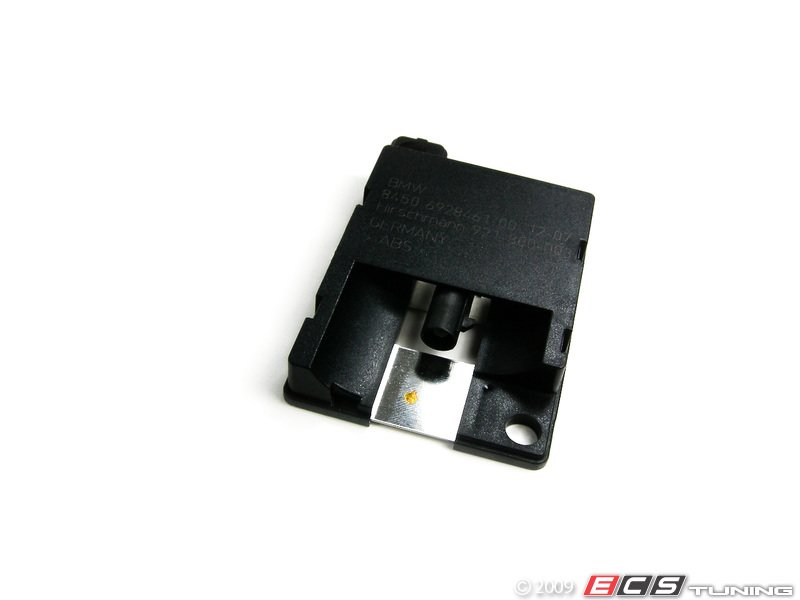
Only thing i can think of is the bluetooth module antenna under the dash for the Gen 1 MINI, and Gen 2 i believe is under seat or by the old metal box.