When you click on links to various merchants on this site and make a purchase, this can result in this site earning a commission. Affiliate programs and affiliations include, but are not limited to, the eBay Partner Network.
Navigation & AudioBring your GPS and favorite CD or MP3. This is where navigation and audio options for the Cooper (R50), Cabrio (R52), and Cooper S (R53) MINIs are discussed.
2008 Cabrio,
configuration: BMWC015; sequence number: 8471
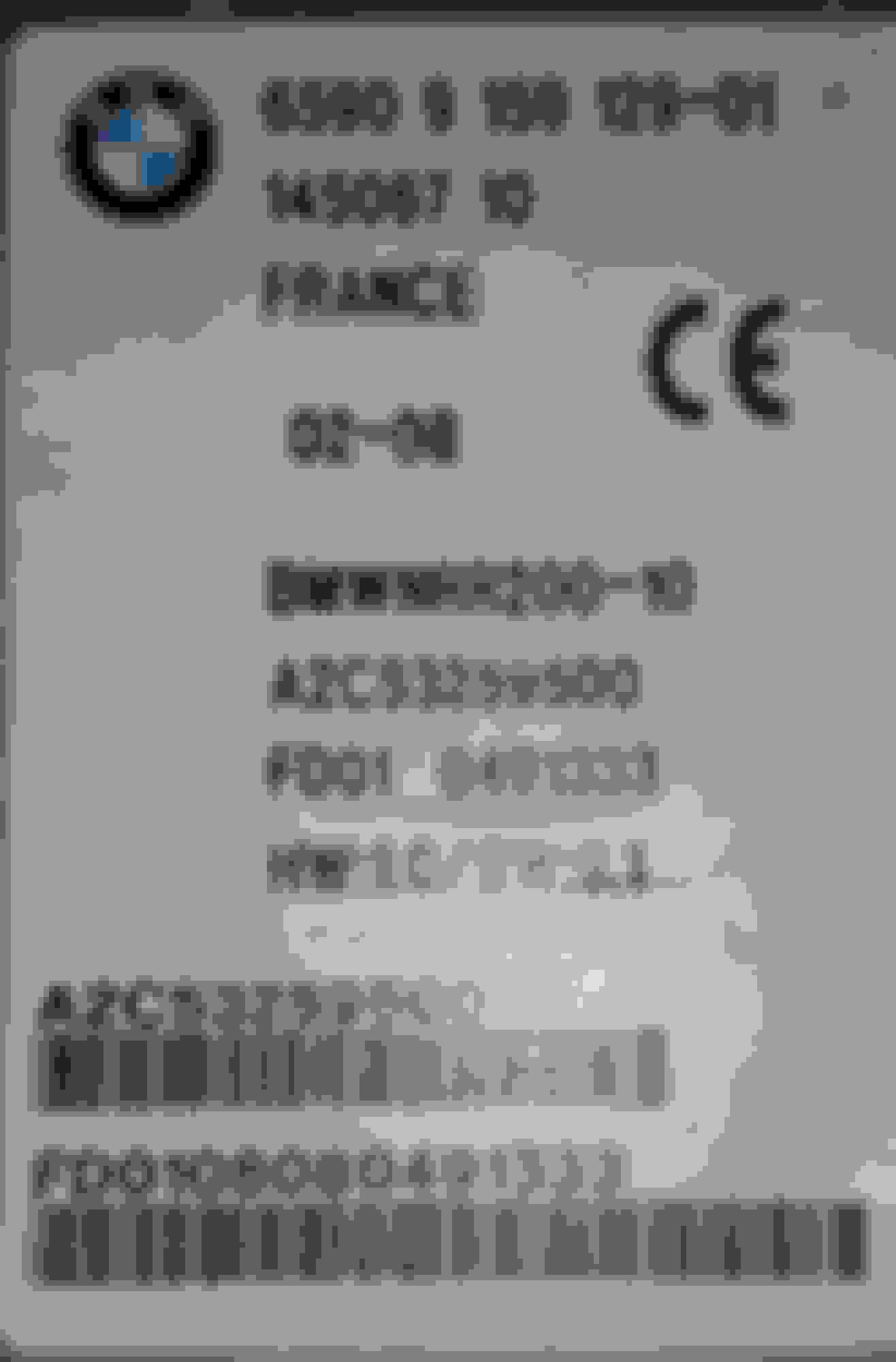
history, AC line backed up, flooded the floor and shorted out the DVD player under the driver seat. Player does not power on and shows corrosion internally. Identical unit/DVD player purchased, awaiting delivery.
I removed the oem Navteq disc. Navteq North America 65 90 0 426 557
What's the most cost-efficient means of getting a disc that might be a little more useful? This disc is dated 2007.
Not too sure how much more useful you can make the system since it’s such old technology. There’s a firmware update which has a 3D mode optional view for the map and auto times out the warning when starting the car. The last map update for the whole country on one disc was 2009. Using a later 2 disc map would only be a hassle if you frequently cross the areas covered.
I mostly just have the map display on, but also use the screen for iPod music info. If it were cheaper and easier to find the components I would use the display for gauges.
I’m currently running the latest v32 firmware with a genuine 2009 BMW single disc and it runs without issues. The splash screen is still the MINI logo since that’s part of the firmware. The only difference I’ve read about the discs is the BMW version will have info for BMW dealer locations and the MINI disc will have info for MINI dealers.
The components just add external video inputs so you can display apps, video, or a backup cam from another device.
if I understand correctly:
your iphone goes through the factory radio head unit, and that can be pulled up on the message center LCD screen?
or is there another module needed to take an S video cable?
There’s a module, or two that tie into the DVD wiring under the passenger seat. Some info and links can be found in the description of this video. An android stick was used for the torque app, but you should be able to mirror a phone display to the screen with the right inputs. The big issue would be still having to use the phone to control or switch apps. Also, I’m not sure if the components, or something compatible, are currently available since this kind of tech has low demand and is quickly outdated.
Not sure if everything works 100% since he pulled a lot of circuit boards and the center cluster controls a lot more things on the car besides the NAV. Hopefully he provides updates and documentation of the process and finished project.
I’m not sure what actually works yet since I haven’t done it myself, or found more info of the complete process and finished results. I’ve just been gathering info for factory looking projects, as opposed to mounting a bigger tablet on the dash or replacing the radio with a folding display unit. If I could find a complete write-up with success stories from other modders, like retrofitting R56 S brakes to a 1st gen MINI, I would have probably done this already. Unfortunately, the longer I wait, the likelihood of the required modules becoming NLA becomes an issue.
On the NAV2Go module, it looks like it might work to mirror your phone app to the factory screen if you can get the correct video connector for the phone. But with current phone resolutions being so much higher than the factory screen, I’m not sure how the image would look scaled down that low.
the android in that video is impressive....and I can see where there could be glitches.
I'm thinking we're going to start with just a good working DVD player and reuse oem disc (2007 Navteq) then see what's lacking- possibly update to the newer 2 disc set. If she wants to use here phone for audio we'll probably replace the oem HU. If she needs a back up camera, maybe that can be installed independently and bluetoothed to the iphone, or a dedicated display....
All of this is on a r52, base, that's not her DD, and it has a CVT tranny that was replaced 48k miles ago....so investing big bucks may not be wise...the transmission will die again.
Thanks for the input RB!
well, I had found a good deal on a used player ($75 best offer acepted) from the big auction site....but the seller 'made a mistake'.....now I'm looking for one again