When you click on links to various merchants on this site and make a purchase, this can result in this site earning a commission. Affiliate programs and affiliations include, but are not limited to, the eBay Partner Network.
I had the screen of the back-up camera shifted to the left for about a year, no big deal I thought. A bit annoying, you couldn't quite see the left side but fine. I had the dealership check it out and said it is a faulty HU. A week after that the screen is totally blank except for the guide lines. (without the camera view it looks like a targeting system from Star Wars ) The screen is still shifted and I can operate the screen underneath with the controller but it does not change the display. I tried coding different options with bimmercode (zoom), restarting the HU and even installing from backup but nothing. My wife is barely 5' and the camera is helpful for her to see out of the car.
Anyone else encounter this? Maybe when the dealer was touching the camera they screwed something up? Anything else I could try?
Had the dealer check it (again) and they stated the camera shorted - very coincidental that it happened a few days after they looked at it for the first time... quoted me $1000 to replace. Gotta admit, $600 seems really steep too, maybe I can find a used one somewhere.
So I bought a used camera and wanted to replace it but I think what I have is some sort of dealer special - does anyone know what type of camera it is? I can't remove it on it's own because there is no connector and the cable just seems to go directly to the front of the car.
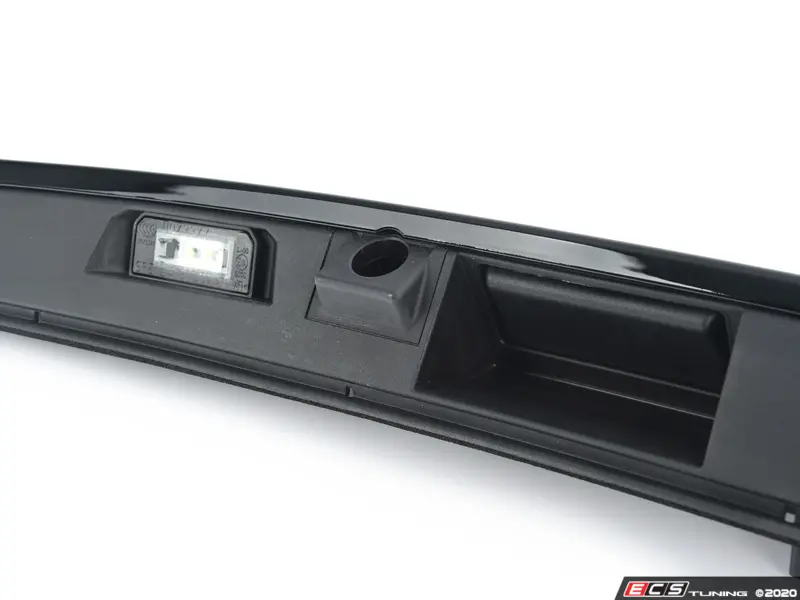
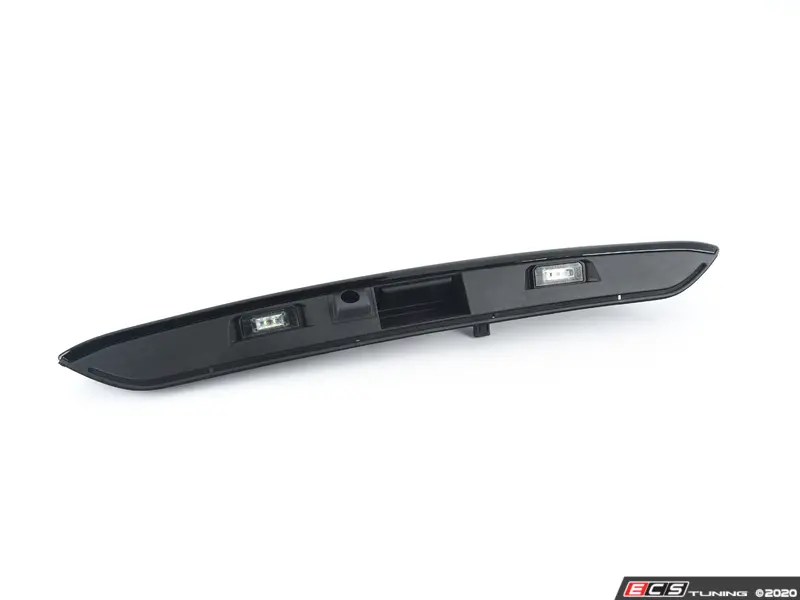
That said, I think it is kind of a good news, since I know there is wiring and the HU works but also my trunk lid does not seem to be able to accommodate a standard camera.
I think I have two options:
Replace the existing custom camera - are there recommended models that I could work with?
Replace it with the OEM camera - outside of buying a new trunk lid, does anyone know what wiring will I need to get this done?
Back of the camera with just a cable running from the back of it
Camera cable running under the trunk trim to front of the car
So coincidentally, I fixed everything(?) about 2 weeks ago - took way longer than I expected with a lot of trial and error since I did not know what I was doing most of the time :-)
The shifted screen was a quirk of the aftermarket unit in the car - I found instructions for it and you just needed to hold the iDrive **** to the right for 3 seconds and the screen would cycle through different modes of operations.
However, since the camera was not working, I ended up replacing pretty much the whole set up:
Bought a new aftermarket head unit add-on with CarPlay (RoadTop via Walmart ~$160)
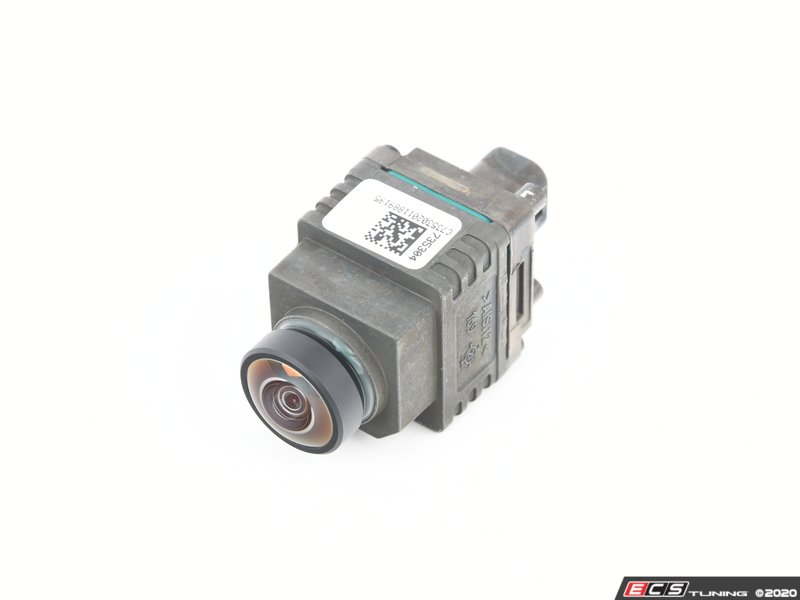
Bought a new generic camera from ECSTuning ~$40
Wired everything together (needed cables and a relay)
Now that I know what to do, it would probably take me 2 hours, but of course I am never going to use this knowledge again...
There are still some remaining quirks but I am just going to live with them:
There is some very occasional signal interference when the camera is on - the screen doesn't flicker but grey bands go through the screen (like you had a bad signal from OTA antenna). If anyone has ideas of what this could be, I would appreciate the pointers but for now it's not that big of a deal.
It takes a couple seconds for the camera view to appear on the screen after I hit reverse - it could be a delay on the camera booting up, or the head unit add-on processing the signal, who knows, but again, no big deal.



 ) The screen is still shifted and I can operate the screen underneath with the controller but it does not change the display. I tried coding different options with bimmercode (zoom), restarting the HU and even installing from backup but nothing. My wife is barely 5' and the camera is helpful for her to see out of the car.