When you click on links to various merchants on this site and make a purchase, this can result in this site earning a commission. Affiliate programs and affiliations include, but are not limited to, the eBay Partner Network.
Site FeedbackOpen forum for discussion of this site. Post your kudos or criticism so that we can continually improve service to the new MINI community.
Hopefully you have a back up on your computer that is prior to getting this notice. If so, I'd suggest doing a clean sweep ot original and reinstall the back up and restarting. My wife iPad didn't have this one, but similar and that was the only way I could clear it.
(She downloaded a program from an unknown to Mac site, and then the hell began.)
This is not just this forum but several forums when using an iOS devise. From doing a google search, sounds like a server issue with the parent forum website.
There was a in issue with pop-ups here but from what the techies are saying, the problem was finally solved more than a week ago. That is why a screen shot with the popup would be so helpful.
Put your iPhone or iPad into Airplane Mode (go into Settings and toggle the Airplane Mode switch into the off position).
Go to Settings > Safari and tap Clear History and Website Data.
Close Safari (double-press the Home button and swipe Safari up to close).
Exit Airplane Mode.
Restart Safari.
To reduce the risk of this sort of issue from happening in the future you can block popups (go to Settings > Safari and toggle the Block Pop-ups switch).
If it was a NAM issue then I'd be getting those pop ups on my IPAD, Android phone, or various PC's that I use. It's an end user tracker or virus that you picked up. You need to clean your device/browsers with appropriate software.
I've got those pop ups on other sites and deleted all my browsers and related caches etc. and got rid of them. On the pc side Ghostery as well as several different spyware programs like SuperAntispyware do a good job of eradication.
Thats kind of my thought too. I dont get any popups and I just checked on my iphone, and work ipad. Hopefully those instructions I posted will solve it
[QUOTE=Whine not Walnuts;4370959]The tech folks think this may be on your end. Can you take a screen shot of the message your are getting? This helps.[/QUOTE
This is nuts! The pop up appears about 5 seconds after opening any thread on NAM. It took me 4 attempts to rapidly scroll through the thread and hit reply quickly enough to post a response.
The pop ups have been intermittent for me over the past few months but now for the past few weeks it’s literally every time I go to NAM in safari on my iPhone 6s+.
Its taking me to trerewardcard.top
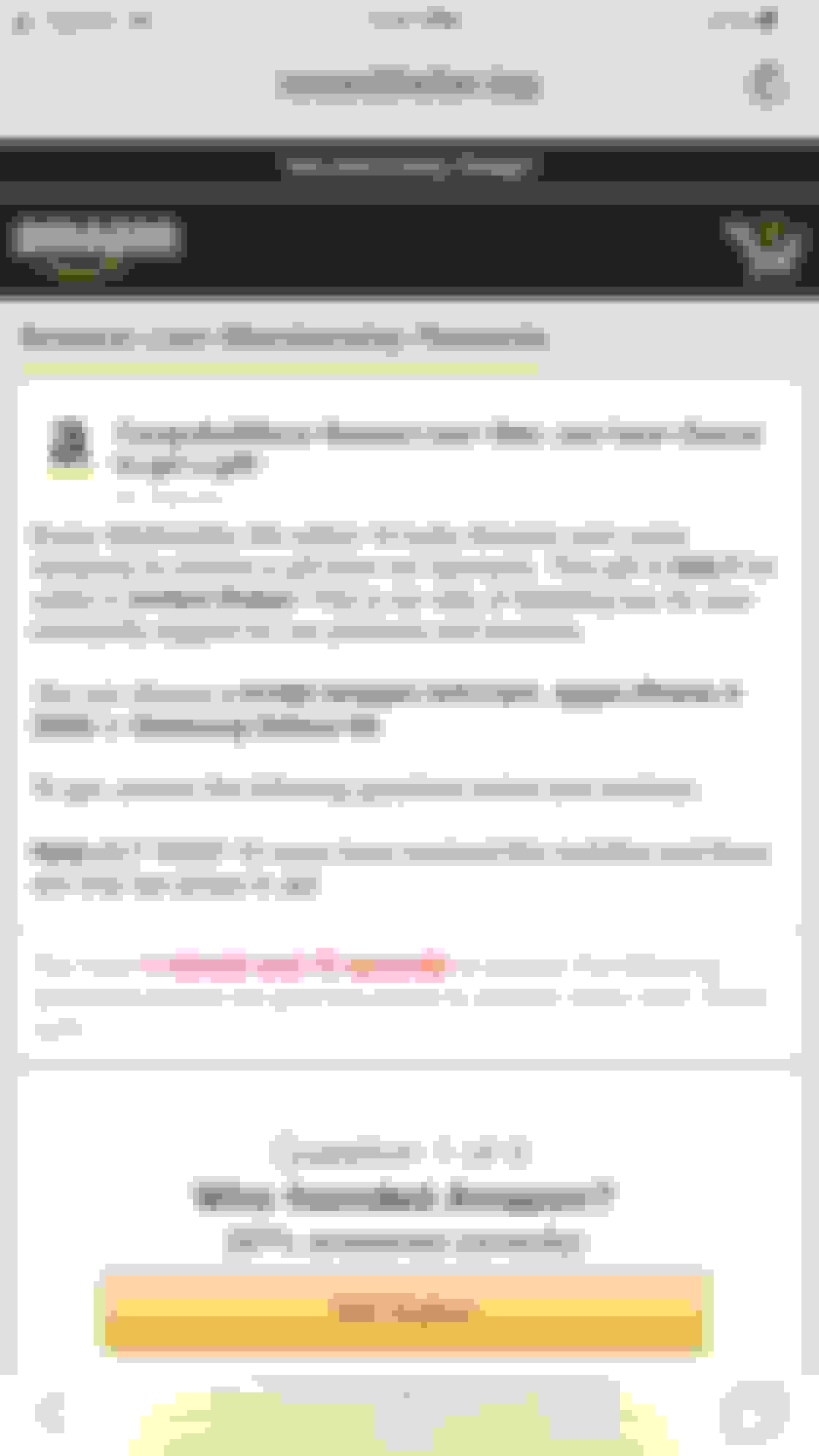
here is a screenshot
It would be awesome if you guys can figure this one out. I love using the site but these pop ups are insufferable.
The tech folks think this may be on your end. Can you take a screen shot of the message your are getting? This helps.[/QUOTE
This is nuts! The pop up appears about 5 seconds after opening any thread on NAM. It took me 4 attempts to rapidly scroll through the thread and hit reply quickly enough to post a response.
The pop ups have been intermittent for me over the past few months but now for the past few weeks it’s literally every time I go to NAM in safari on my iPhone 6s+.
Its taking me to trerewardcard.top
here is a screenshot
It would be awesome if you guys can figure this one out. I love using the site but these pop ups are insufferable.
Ok this is rediculous. I hope that url info helps a little.
It would be awesome if you guys could send out an email when it gets fixed so we don’t have to keep checking back in and going through the pop ups.
Thanks!