When you click on links to various merchants on this site and make a purchase, this can result in this site earning a commission. Affiliate programs and affiliations include, but are not limited to, the eBay Partner Network.
I replaced my stock DRL with canbus LED's - no error, but the light is brighter (more blue) than the Xenon's. Does anyone know what quality canbus led bulbs to get that don't throw an error and match the stock Xenon brightness?
Also: can you program the DRL to ALWAYS be on? So keep light setting on automatic: main lights go on/off depending on outside light conditions, while DRL's are on regardless.
You can program DRLs to come on automatically. The factory LED DRLs are in the form of different fog lights, not part of the Xenon headlights. They look really cool, I'm thinking about retrofitting my 2014 JCW with some. I think they're about $800 installed at the dealership.
Also: can you program the DRL to ALWAYS be on? So keep light setting on automatic: main lights go on/off depending on outside light conditions, while DRL's are on regardless.
Thanks!
Yes!
If you have the standard radio:
- Using the BC button on the end of your turn signal stalk, keep pressing it until you see SET/INFO on your instrument cluster display, then press and hold the BC button until the screen changes.
- You should see CHECK-INFO, keep pressing until you see a key with a check mark in front of it, press and hold again to select this.
- These are your personal profile options where you can change settings like; whether you want the lights to blink or not when you lock/unlock the doors, whether you want all the doors to unlock or just the drivers door, etc. Keep pressing until you see what looks like two lights shining away from each other - this is your DRL setting. Switch it to on and your DRLs will stay on all the time, regardless of headlight setting.
If you have MINI Connected, it's much easier:
- Press the home button next to the controller to go to the main menu
- Go to SETTINGS
- Down to LIGHTING
- Select Daytime Running Lights and choose "On"
Thanks SiriusZero I was aware of this option, however it means your main light are always on. I am interested in running just the lights 'above' the fog lights.
If you have the standard radio:
- Using the BC button on the end of your turn signal stalk, keep pressing it until you see SET/INFO on your instrument cluster display, then press and hold the BC button until the screen changes.
- You should see CHECK-INFO, keep pressing until you see a key with a check mark in front of it, press and hold again to select this.
- These are your personal profile options where you can change settings like; whether you want the lights to blink or not when you lock/unlock the doors, whether you want all the doors to unlock or just the drivers door, etc. Keep pressing until you see what looks like two lights shining away from each other - this is your DRL setting. Switch it to on and your DRLs will stay on all the time, regardless of headlight setting.
If you have MINI Connected, it's much easier:
- Press the home button next to the controller to go to the main menu
- Go to SETTINGS
- Down to LIGHTING
- Select Daytime Running Lights and choose "On"
If you have the standard radio:
- Using the BC button on the end of your turn signal stalk, keep pressing it until you see SET/INFO on your instrument cluster display, then press and hold the BC button until the screen changes.
- You should see CHECK-INFO, keep pressing until you see a key with a check mark in front of it, press and hold again to select this.
- These are your personal profile options where you can change settings like; whether you want the lights to blink or not when you lock/unlock the doors, whether you want all the doors to unlock or just the drivers door, etc. Keep pressing until you see what looks like two lights shining away from each other - this is your DRL setting. Switch it to on and your DRLs will stay on all the time, regardless of headlight setting.
If you have MINI Connected, it's much easier:
- Press the home button next to the controller to go to the main menu
- Go to SETTINGS
- Down to LIGHTING
- Select Daytime Running Lights and choose "On"
It seems it works only on LCI models.
No option on my 2010 base pre-LCI.
I actually thought of that too, but seems a little ridiculous!
Stock Xenon is 4300K i believe
No! It is not ridiculous, don´t worry.
You could change your HID bulbs temp for to your favorite colour (white/blue).
Mmm, 4300k is the halogen temp color (yellow).
Are you sure it is 4300k? If yes, it is not easy to find leds matching 4300k (since leds will help you to reach white colour).
I have 6000k on fog light and 7000k on headlights and the T10 LDR matchs with any white led (less "plasma" chinese led, because it is around blue and not white).
It seems it works only on LCI models.
No option on my 2010 base pre-LCI.
I probably should have added that this option would not appear in countries where DRLs are mandatory, in which case, coding out via NCS Expert is your only option
No! It is not ridiculous, don´t worry.
You could change your HID bulbs temp for to your favorite colour (white/blue).
Mmm, 4300k is the halogen temp color (yellow).
Are you sure it is 4300k? If yes, it is not easy to find leds matching 4300k (since leds will help you to reach white colour).
I have 6000k on fog light and 7000k on headlights and the T10 LDR matchs with any white led (less "plasma" chinese led, because it is around blue and not white).
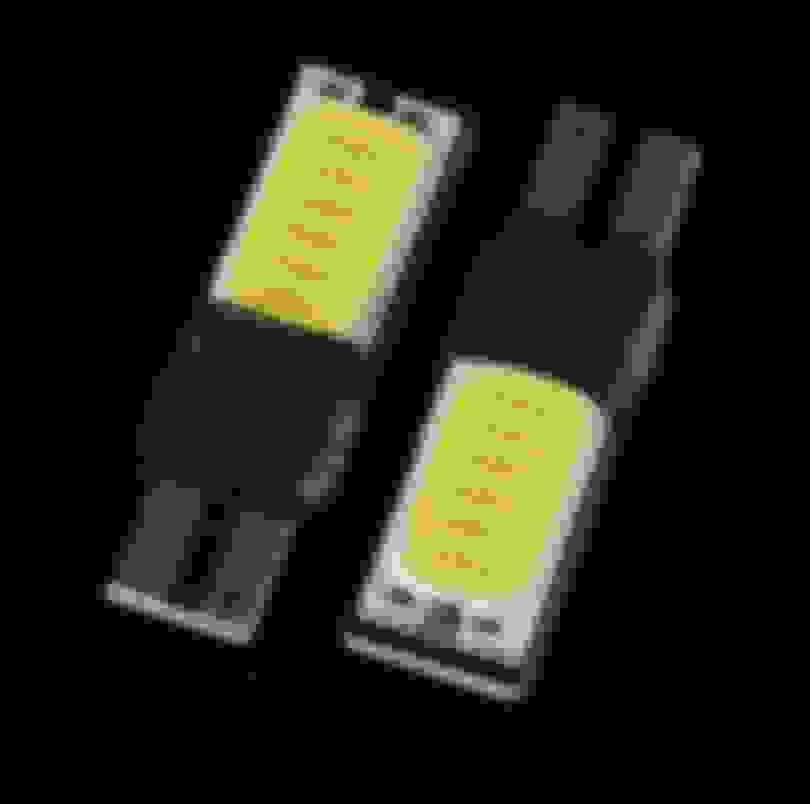
I'm using T10 leds like this:
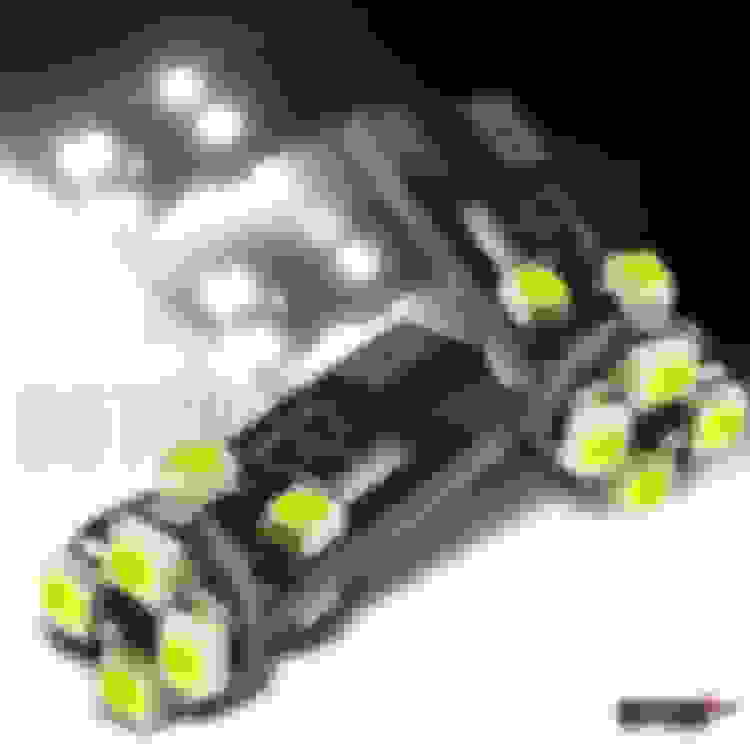
Maybe you are using "plasma" leds like this?:
I googled it and pretty much everywhere it is stated that stock Xenon's are 4300K
Sweet! Those colour match looks great!! I'm planning on getting LED's for the 2012 Countryman that came equipped with stock halogen in reflectors. I don't want to install HIDs where the light output location is wrong and will result in unwanted glares and LEDs are being designed with the light output to be the same location as what the halogen bulbs would come in. Good to know that you are able to find matching coloured bulbs for your fog 'top' part.