

Hello, I need to replace the radio dial **** but I don't know how to remove them. Does anyone know how to do this? Thanks!


ECSTuning
Platinum Sponsor
close


Today
- Join DateJan 2013
- LocationWadsworth, Ohio
- Posts:36,704
-
iTrader Positive Feedback0
-
iTrader Feedback Score(0)
-
Likes:6,608
-
Liked:2,534 Times in 2,243 Posts
They are right here:
Button for Menu Part # 65123456864
http://www.ecstuning.com/Search/SiteSearch/65123456864/
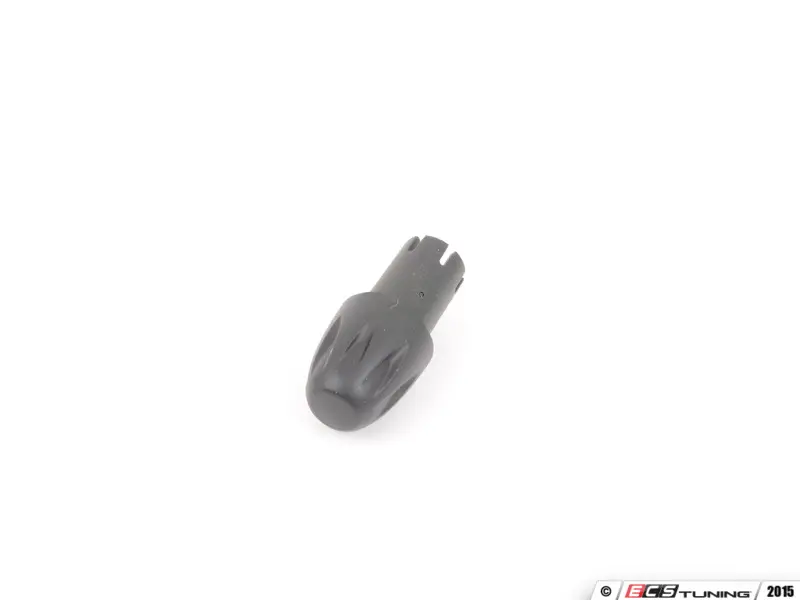
&
Button for Volume Part #65123456863
http://www.ecstuning.com/Search/SiteSearch/65123456863/
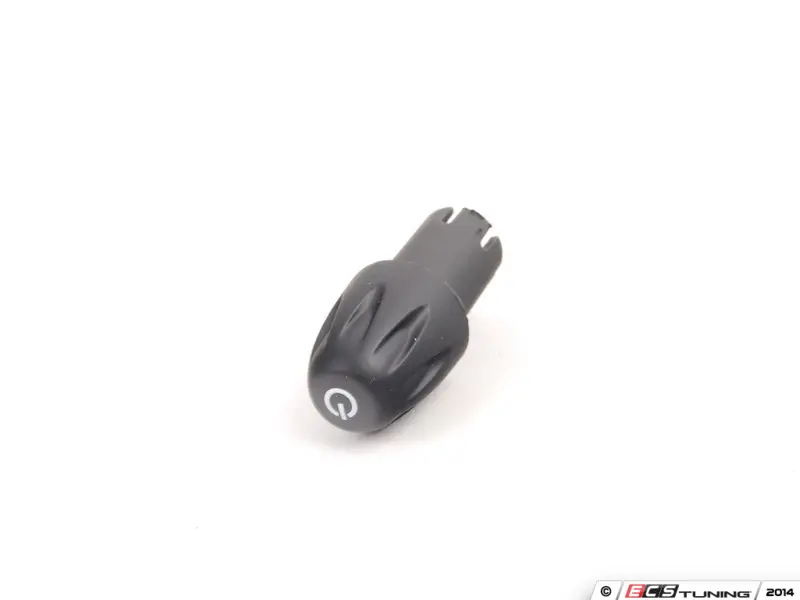
I believe that snap in like the older silver ones on the Gen 2 MINIs. Just pull off and snap a new one in. The rod that you insert them on has a notch for the direction of the hole.
Thanks
Button for Menu Part # 65123456864
http://www.ecstuning.com/Search/SiteSearch/65123456864/
&
Button for Volume Part #65123456863
http://www.ecstuning.com/Search/SiteSearch/65123456863/
I believe that snap in like the older silver ones on the Gen 2 MINIs. Just pull off and snap a new one in. The rod that you insert them on has a notch for the direction of the hole.
Thanks
ECSTuning
Platinum Sponsor
close
Today
- Join DateJan 2013
- LocationWadsworth, Ohio
- Posts:36,704
-
iTrader Positive Feedback0
-
iTrader Feedback Score(0)
-
Likes:6,608
-
Liked:2,534 Times in 2,243 Posts
Should come right off, snap on. They have a little tab built into the hole slot. Try both hand pinching from the top and sides.
Thanks
Thanks

silly question, but has anyone changed out the color OR design of the **** that controls the functions of stereo, and NOT the volume? I constantly go to reach for the mode control **** and NOT the volume **** when I want to turn down in a hurry. If I had a flat nosed ****, compared to the cone shaped, perhaps the feel/look will deflect me to the proper volume ****...
ECSTuning
Platinum Sponsor
close
Today
- Join DateJan 2013
- LocationWadsworth, Ohio
- Posts:36,704
-
iTrader Positive Feedback0
-
iTrader Feedback Score(0)
-
Likes:6,608
-
Liked:2,534 Times in 2,243 Posts
Yep they look the same. New one has the on/off icon on it. See above. I have not seen one, i guess you could
Older version, no on/off Icon.

Older version, no on/off Icon.
actually, the ***** I was referring to are part numbers 65123448285 & 65123448286 and the #3 being the one I was referring to. They have a different length neck. I am thinking I can grab one from a pick-n-pull location and grind it down flat, so that its physically different than the volume ****. then once I'm comfy with a modified used ****, I'll just buy a fresh new one and modify that too.
ECSTuning
Platinum Sponsor
close
Today
- Join DateJan 2013
- LocationWadsworth, Ohio
- Posts:36,704
-
iTrader Positive Feedback0
-
iTrader Feedback Score(0)
-
Likes:6,608
-
Liked:2,534 Times in 2,243 Posts
Ok thats the older 2007-2010 set up
https://www.ecstuning.com/Search/Sit...h/65123448285/
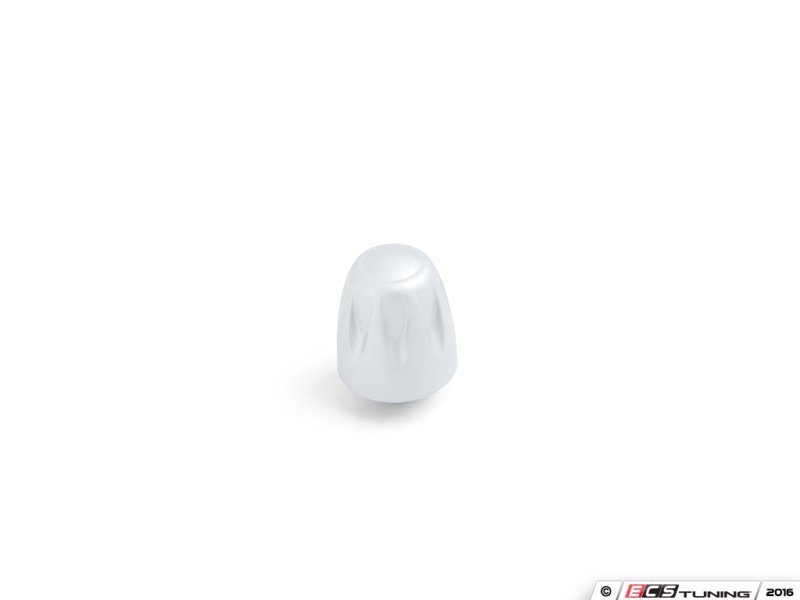
https://www.ecstuning.com/b-genuine-...p/65123448286/
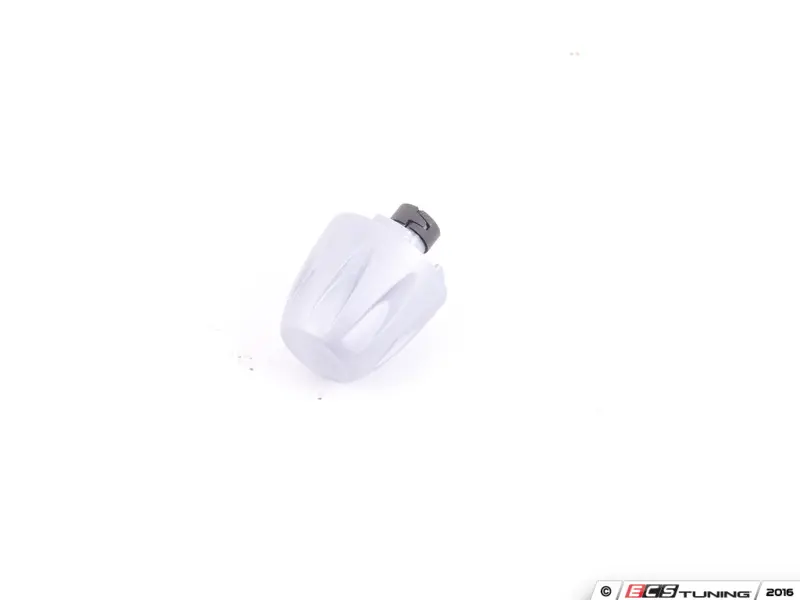
2011+ on the left / 2007-2010 on the right
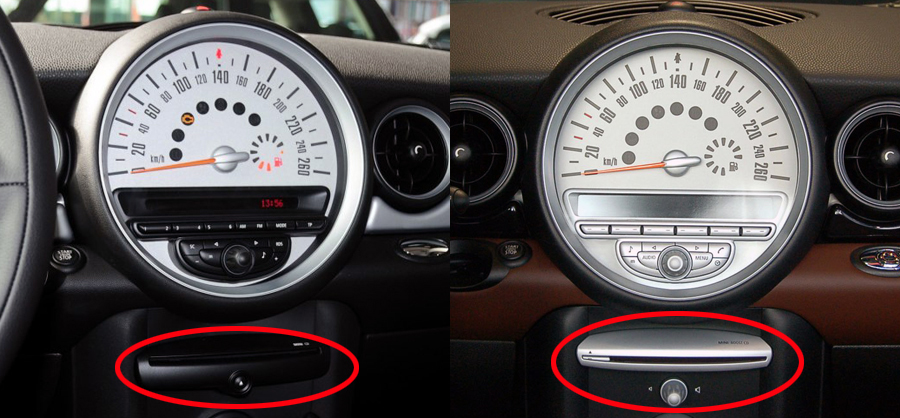
Yea i know, i had my 2007 i would quick grab to the center, its a habit. No aftermarket larger ones i can think of unless you try one of the black ones from the 2011+ if that one will work
https://www.ecstuning.com/Search/Sit...h/65123448285/
https://www.ecstuning.com/b-genuine-...p/65123448286/
2011+ on the left / 2007-2010 on the right
Yea i know, i had my 2007 i would quick grab to the center, its a habit. No aftermarket larger ones i can think of unless you try one of the black ones from the 2011+ if that one will work
Related Topics
- Radio was Intermittent when turning volume knob
- Navigation & Audio Radio instructions for 2003 Mini Cooper
- R56 Replacement radio knob
- Navigation & Audio Porsche Radio knob question ?????/