Official HDR thread - MINIs & random


Thread Starter
|
5th Gear
Joined: Feb 2008
Posts: 687
Likes: 19
From: Melbourne Australia
Official HDR thread - MINIs & random
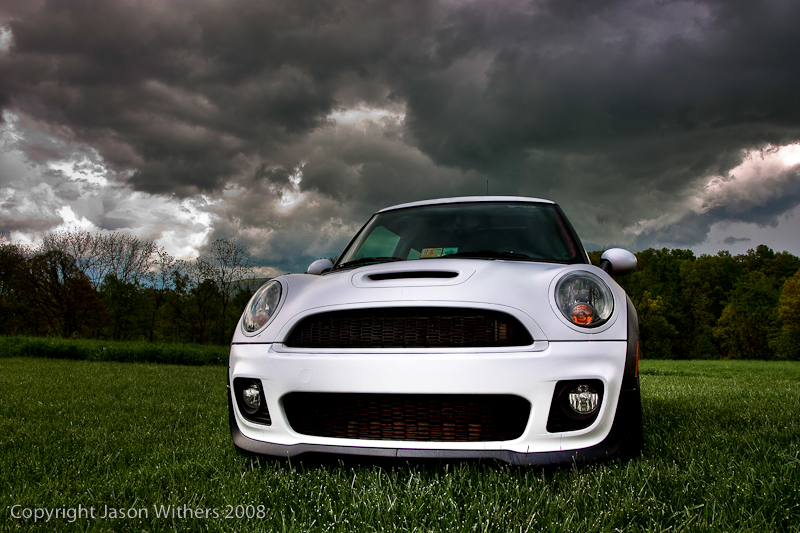
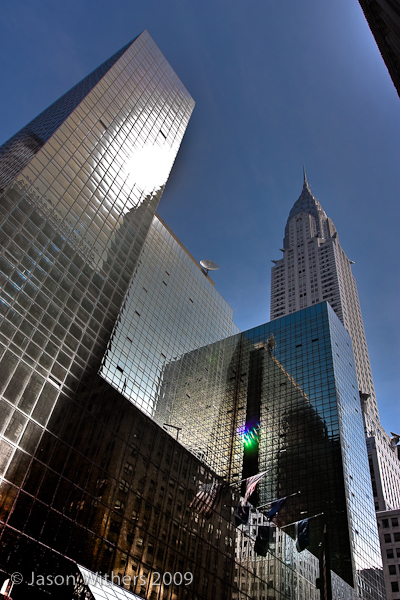
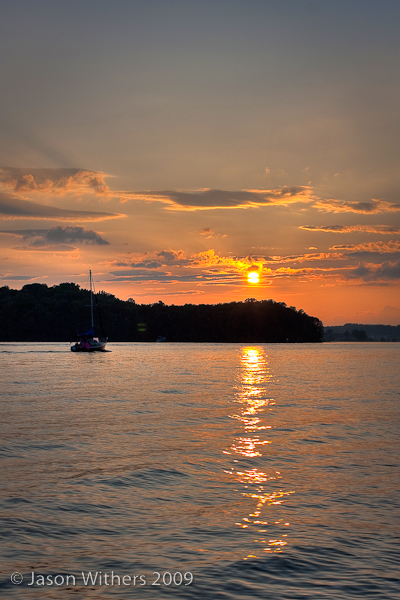
Seems there's a few of us trying HDR with (in my case - very ) mixed results - also some people who are pretty good with it. Either way, I was thinking it would be good to share images, notes and experiences.
I know there are plenty of HDR forums around, but this is the only MINI one! A mix of MINI and random images is good.
) mixed results - also some people who are pretty good with it. Either way, I was thinking it would be good to share images, notes and experiences.I know there are plenty of HDR forums around, but this is the only MINI one!
A mix of MINI and random images is good.
Last edited by pw4; Aug 24, 2009 at 04:17 AM.
Thread Starter
|
5th Gear
Joined: Feb 2008
Posts: 687
Likes: 19
From: Melbourne Australia
I'll start off with some opinions on software, and my latest efforts sans MINI. I have another HDR with MINI that I'll post in a while.
Photomatix appears to me to do a better job of creating the HDR image, but its tone mapping generally doesn't give results that I'm pleased with. Qtpfsgui does a poorer job of creating the HDR image, but some of its tone mapping algorithms seem better once you experiment with the settings.
So the recipe I've been following is:
1.Reduce noise in RAW format, as much as possible without unduly compromising image clarity. Save the adjusted file in RAW again, to preserve maximum detail.
2.Use Photomatix to generate the HDR image from the RAW images. Save in TIFF format (again, to retain 32-bit detail).
3.Open the HDR image in qtpfsgui, apply tone mapping and save as JPEG.
4.Open that image in Photoshop (or Paint.NET in my case) and make further adjustments.
Even with all that, I still struggle with the amount of noise left in the images. I even had to blur the blue sky in the first image to remove noisy color gradients.
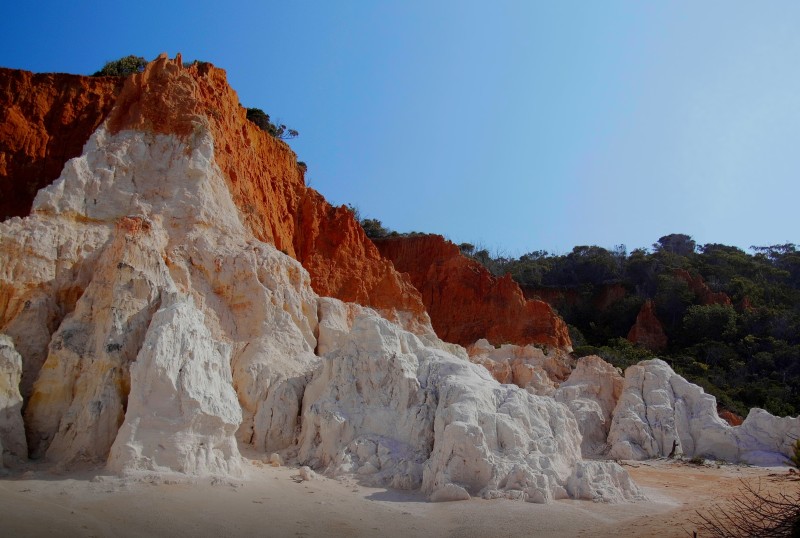

Photomatix appears to me to do a better job of creating the HDR image, but its tone mapping generally doesn't give results that I'm pleased with. Qtpfsgui does a poorer job of creating the HDR image, but some of its tone mapping algorithms seem better once you experiment with the settings.
So the recipe I've been following is:
1.Reduce noise in RAW format, as much as possible without unduly compromising image clarity. Save the adjusted file in RAW again, to preserve maximum detail.
2.Use Photomatix to generate the HDR image from the RAW images. Save in TIFF format (again, to retain 32-bit detail).
3.Open the HDR image in qtpfsgui, apply tone mapping and save as JPEG.
4.Open that image in Photoshop (or Paint.NET in my case) and make further adjustments.
Even with all that, I still struggle with the amount of noise left in the images. I even had to blur the blue sky in the first image to remove noisy color gradients.
Last edited by pw4; Aug 24, 2009 at 04:16 AM. Reason: Mangled attempts to insert the images...

Thread Starter
|
5th Gear
Joined: Feb 2008
Posts: 687
Likes: 19
From: Melbourne Australia
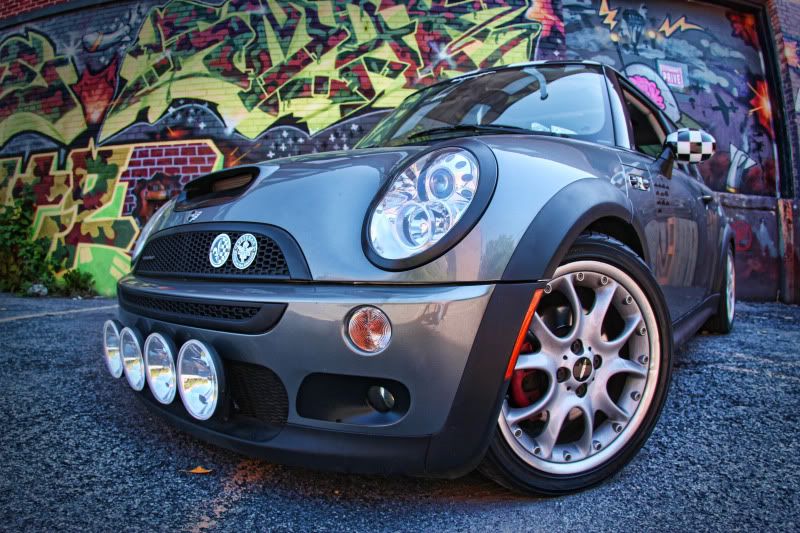
Great image! Now why hadn't I thought of using HDR for night shots? 
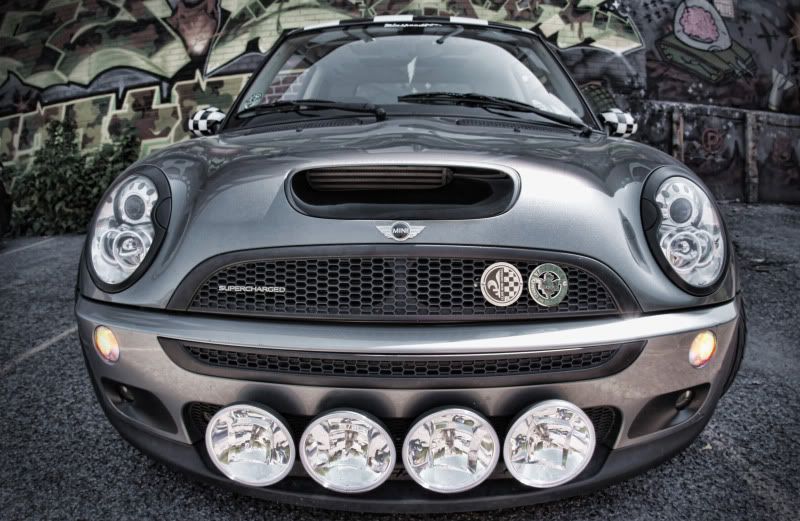
What's the story with the glow in the bonnet scoop? (I notice your driving lights are in the same place as mine.)
Now why hadn't I thought of using HDR for night shots? What's the story with the glow in the bonnet scoop? (I notice your driving lights are in the same place as mine.)




Trending Topics




6th Gear
Joined: Aug 2007
Posts: 1,798
Likes: 11
From: CT
I have a strip of red LED's there. Use them for photoshoots, autoX and club meets mainly.
Thread Starter
|
5th Gear
Joined: Feb 2008
Posts: 687
Likes: 19
From: Melbourne Australia
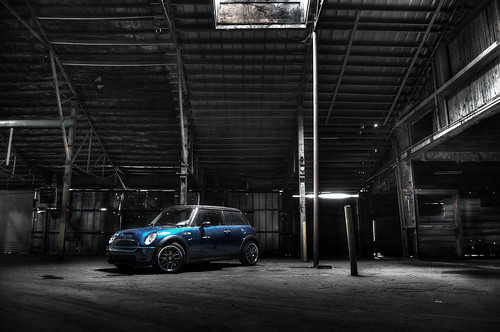
I'm using Photomatix to generate the HDR file (saved as .tiff) but then the open-source qtpfsgui to do the tone mapping. For the photo below in the thread I used the Reinhard02 algorithm in qtpfsgui. After that, I use Paint.NET (like Photoshop except open-source ie free) for final adjustments - the dark shading in the foreground was a layer with Paint.NET. Oh, and before I start, I use the Canon software that came with my camera to get rid of as much noise as possible without compromising image clarity too much.
I think Photomatix does the best job generating the HDR file. Sometimes I can get its tone mapping to work for me - it can create some spectacular effects - but I've been happier, time permitting, to experiment with the different algorithms qtpfsgui offers. Particularly they seem to work well if I'm trying to find a more natural look to the final image.
I think Photomatix does the best job generating the HDR file. Sometimes I can get its tone mapping to work for me - it can create some spectacular effects - but I've been happier, time permitting, to experiment with the different algorithms qtpfsgui offers. Particularly they seem to work well if I'm trying to find a more natural look to the final image.

I'm a very proficient user of the HDR technique but it drives me up the wall seeing other HDR photos with gigantic halos, ludicrous amounts of processing noise, and reduced contrast.
Some of my better HDR photos can been seen in the "Art in Abandonment" and "Cities & Towns" section of my website
www.shanegorski.etsy.com
Some of my better HDR photos can been seen in the "Art in Abandonment" and "Cities & Towns" section of my website
www.shanegorski.etsy.com
Thread Starter
|
5th Gear
Joined: Feb 2008
Posts: 687
Likes: 19
From: Melbourne Australia
Wow - some awesome images! I love the doorways and interior archways - they work so well.
I find qtpfsgui tone mapping is less likely than Photomatix to give the big halos - do others find the same? Or is it something I'm going wrong?
I find qtpfsgui tone mapping is less likely than Photomatix to give the big halos - do others find the same? Or is it something I'm going wrong?
For those that don't know, the holy grail of HDR tutorials is located at www.beforethecoffee.com on the right side of the page.

3rd Gear
Joined: Dec 2008
Posts: 197
Likes: 0
From: Greenville, SC
Halos are just a result from a bad processing mix and can be removed in any image with the right settings. I'm not that great at it yet but some of the settings in the middle of the column (can't remember off the top of my head) adjust the balance between like high contrast lines if you are dealing with windows and stuff. Grain can be avoided as well. Just remember, most grain and any halos are a result of a users specific way of processing. Wish I could tell you how to avoid them completely but I can't always do it either haha.