When you click on links to various merchants on this site and make a purchase, this can result in this site earning a commission. Affiliate programs and affiliations include, but are not limited to, the eBay Partner Network.
JCW GarageInterested in John Cooper Works (JCW) parts for your 2nd Generation MINI? This is where JCW upgrades and accessories for the MINI Clubman (R55), Cooper and Cooper S (R56), and Cabrio (R57) MINIs are discussed.
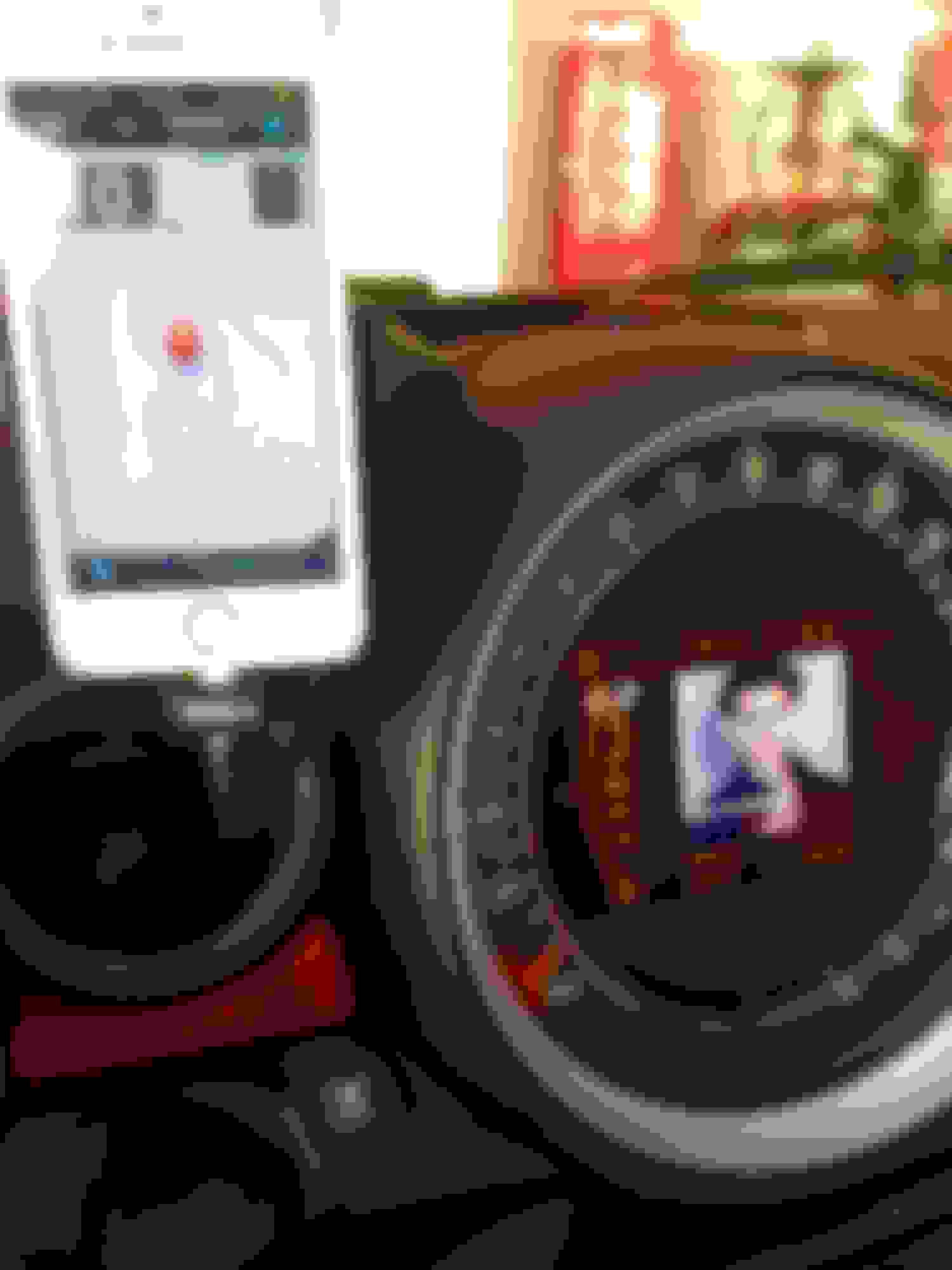
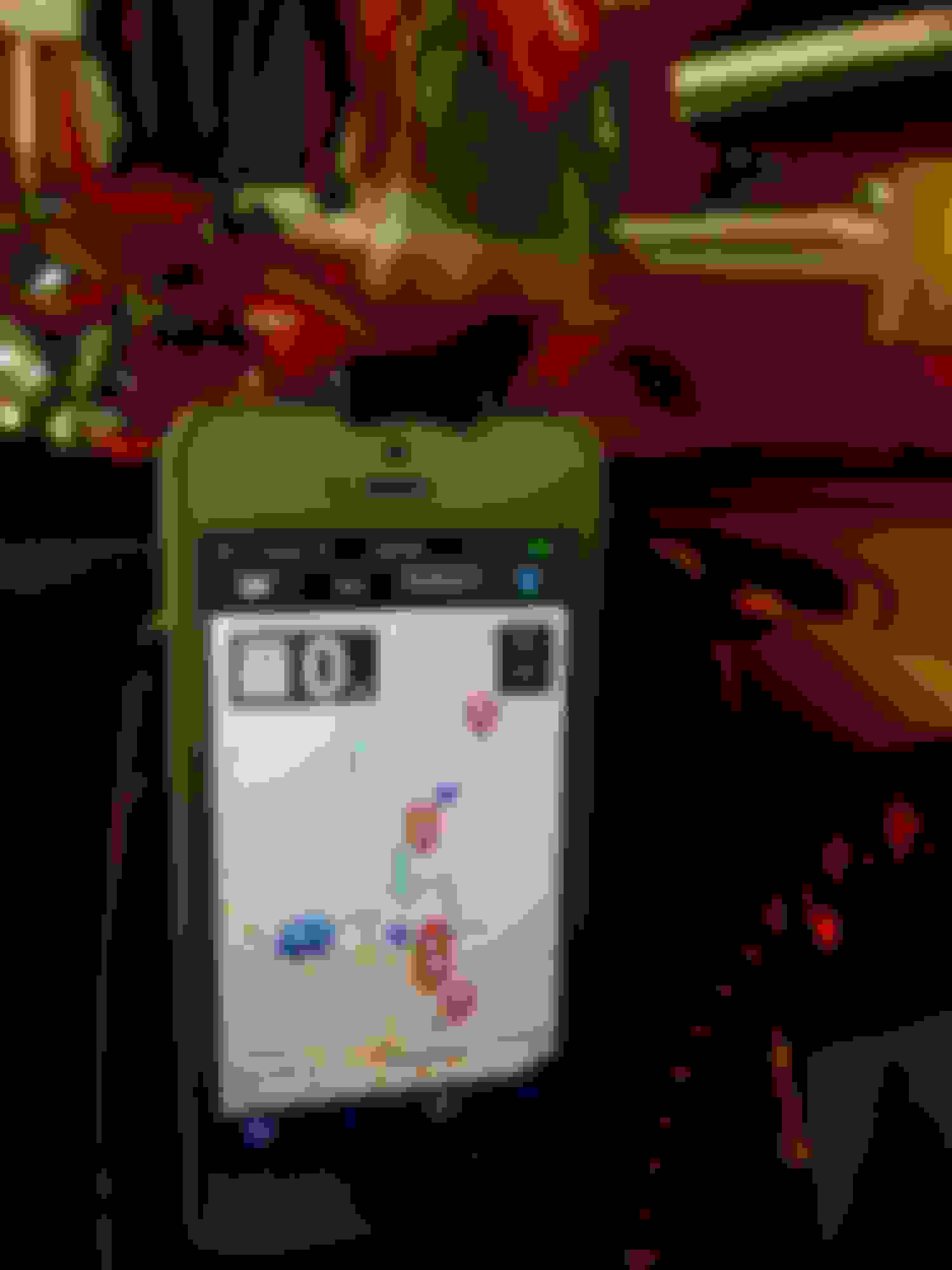
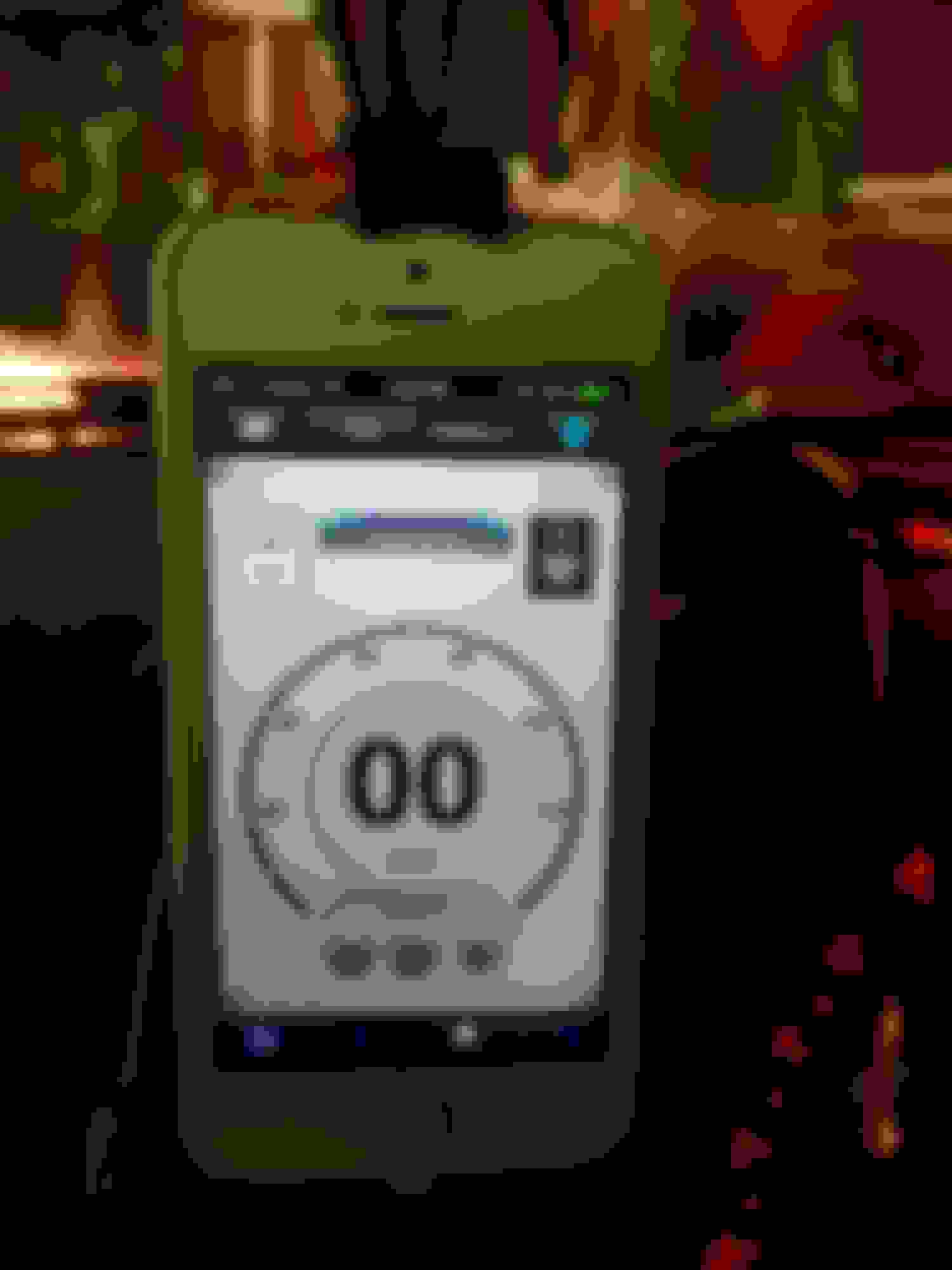
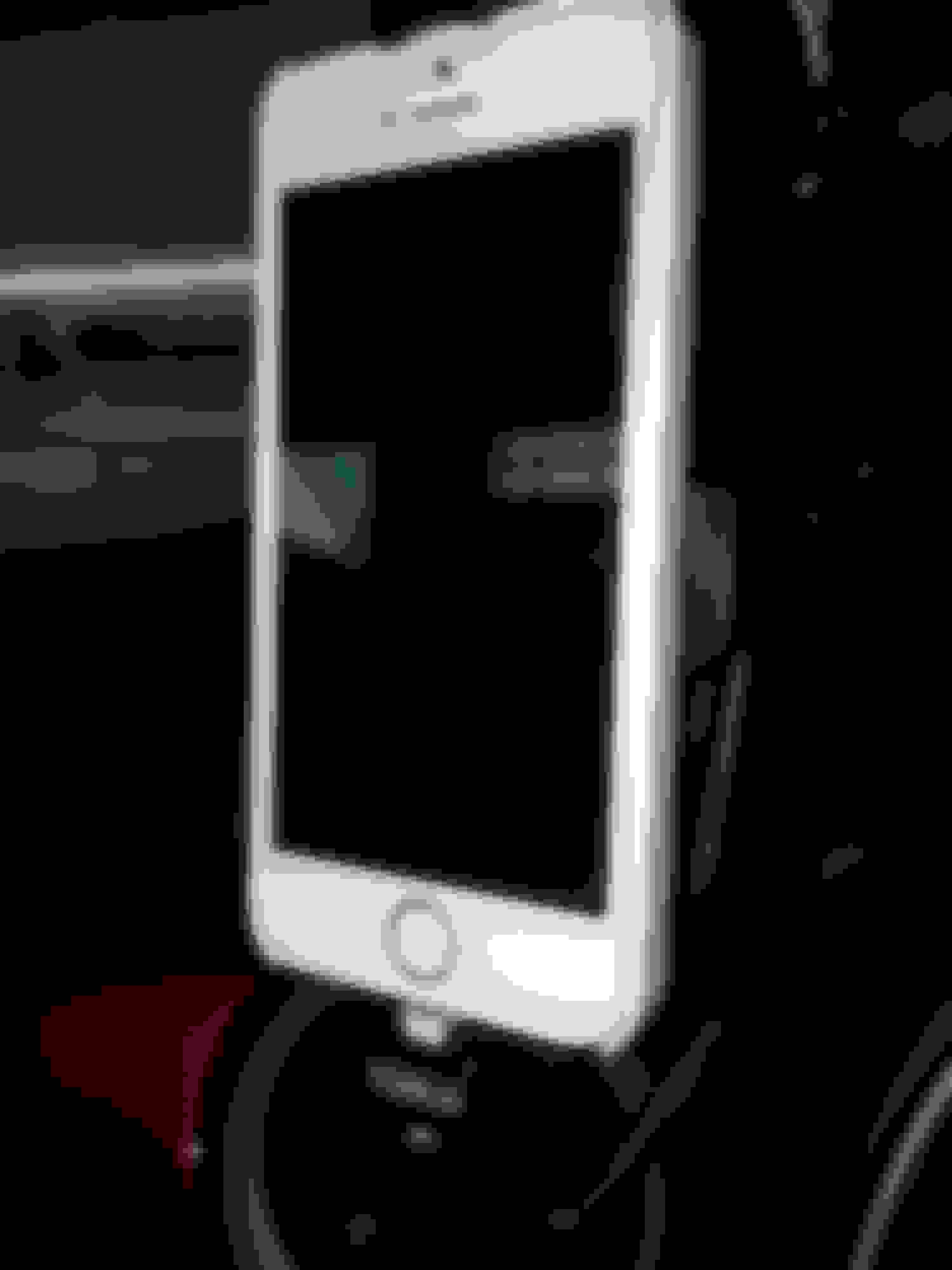
A number of folks asked...Here's my Kuda black leather mount and ProClip dock/cradle for iPhone 5S (model for use with original Apple lightning to 30 pin short adapter cable) setup. As in all of the same exact setup in all of my cars, goal is to look integrated and hidden wires. My main uses are charging, music, Escort Live radar detector app (with Passport Max radar detector), charging, and calls.
It's a 30 mins install (using instructions from one of the posters in the forum but doesn't take that much work). Notes:
- You do NOT need to remove the trim plate behind the steering wheel - just loosen the right side.
- You do NOT need to remove the display hood/ring with the 2 air vents - just loosen after the 4 airvent torx screws are removed (2 per side).
- Slide the Kuda mount with tabs under the display hood/ring.
- Screw the 4 torx screws back in and push the dash trim behind the steering wheel in. Voila!
- Attach the ProClip cradle to the Kuda mount via the supplied 4 screws. Easier if you pre-drill the 4 small holes first.
My set up is hard wired as follow:
- Factory Y cable with USB and Aux connectors and Apple 30 pin on other end.
- That's connected to a 3 ft 30 pin extension cable.
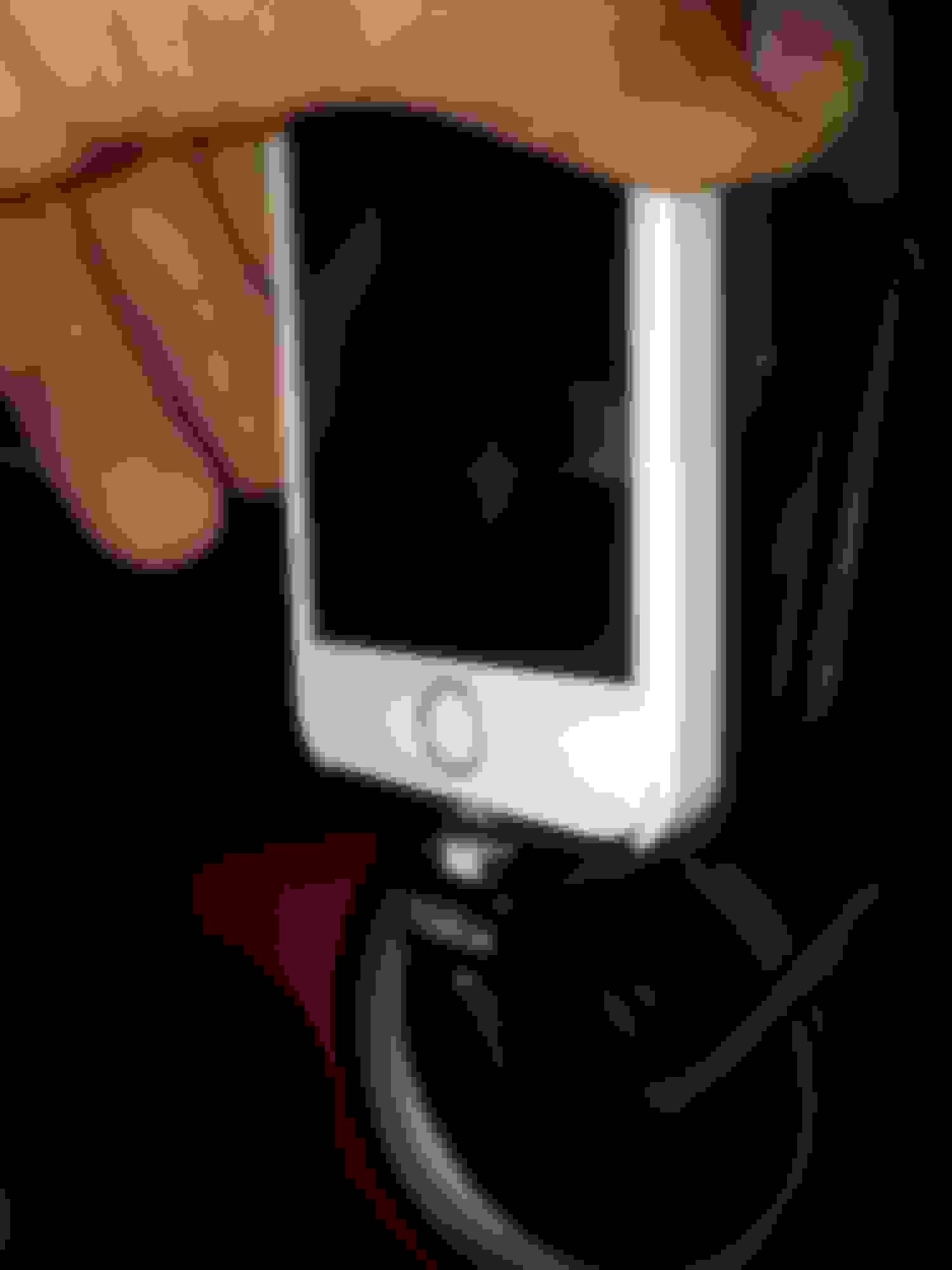
- Then connected to the original white Apple lightning to 30 pin short adapter cable. I used a black shrink-tube section so the white adapter cable doesn't stand out.
The lightning end is inserted and locked into the bottom of the ProClip cradle. All extra wires are routed and tucked behind the center console.
I get full charging, sync, album covers on display, video playing in display, and phone use. The cradle itself is quick! Get in car...slide up, slide down, and you're in (like quickie sex)...drive away. Best of all and why I love the ProClip spring loaded cradle is it can accommodate the iPhone with virtually any case or without a case.
The ProClip cradle swivels 360 degrees and is exchangeable for a new one when you upgrade your phone. Simply buy a new cradle if needed and sell the old one on eBay. I'm about to upgrade to the new iPhone 6S so will get the new cradle since it's taller than the 5S. The Kuda mount stays since the ProClip's swivel bases are standard sizing and use the same 4 holes. All wiring will stay the same...I'll simply swap the cradles and ready to go!
Yep, it can be used with or without a case. Even big thick cases like Otter fit fine. I've tried the drop in/slide down type with limited adjustments for cases if any and didn't like them. I change cases all the time so this one works best for me.
I hate the Mini's Y cable which is dumb. No one else uses that design but is the only way to get album covers, videos and searchable playlists on the display.
Originally Posted by walk0080
Nice mount.
That holder looks pretty decent probably allows the use with or without a case.
I recently added a 30-pin extension cable to clean things up and free up space around the passenger side cup holder:
Nice! I ordered the 6s Plus the other day and was wondering where the heck the thing was going to go!! Please post an update when you get your 6s.
I may not need to get a new dock/cradle at all if I can test fit the 6/6S. I think it should fit my current ProClip because the spring loaded top has good travel. If so then I'll save $130. Either case I'll know soon.
One more question - can you post the link to the install post on NAM that you used? I did a search, but I want to make sure I'm following the same instructions - thanks!
One more question - can you post the link to the install post on NAM that you used? I did a search, but I want to make sure I'm following the same instructions - thanks!
Btw I see you're in Texas. Kuda USA is in Plano or Ft. Worth one of the two. The guy who runs the office is very nice. I've bought quite a few Kuda mounts for all my cars from him. Kuda is actually a German company and makes them all in Germany.
Minimofo - how did you route the wires from the Y-cable by the cupholders around to the Kuda mount?
Pop off the left side panel of the center console and route behind there and up to the left side of the big display hood. Careful putting the panel back in since there are 3 tabs that can bend easily.
Could you take a photo of the area near the cupholder where the Y-cable plugs in? I was doing some test fitting and currious to see how you routed it down there. Thanks
Originally Posted by minimofo
Pop off the left side panel of the center console and route behind there and up to the left side of the big display hood. Careful putting the panel back in since there are 3 tabs that can bend easily.
Could you take a photo of the area near the cupholder where the Y-cable plugs in? I was doing some test fitting and currious to see how you routed it down there. Thanks
Could you take a photo of the area near the cupholder where the Y-cable plugs in? I was doing some test fitting and currious to see how you routed it down there. Thanks
Here you go. I routed through the crack in the lower left corner then up and behind the left side panel on to behind the right side of the vent. Hope this helps.
Ok this is strange. Suddenly none of my iPhones are playing music through the Y adapter (USB and AUX) cord. Anyone has had this problem? Album covers, playlists etc all show up in the info display, just no sounds.
I don't have the LCD display, just H/K with USB input... but when I have issues, usually rebooting the phone(s) works (hold power and home button at same time few seconds for easy reboot).
Also try unplug and plug back in cable. Stop engine, remove key, start again.
Ok will try that. I do know that non-Apple cables/adapters fail after a while. I use the Y cable to 30-30 pin extension cable from Amazon to genuine Apple short 30-lighting cable that goes into the cradle.
Ok just tried all that and nothing. I'm going to swap out the non-Apple 30-30 pin extension with an Apple cable and see if that works. Data transfers but no sound. BT works just fine. Weird!
Didn't realize you used a 30-pin extension. Definitely try to remove/re-attached the 30-pin cables. Mine goes loose in the cubby area where it attaches to Y-cable after several months of bumpy roads.
Does it work fine without the extension cable?
Have to. The Y adapter is too short and so is the other end, Apple 30-lightning 0.2m adapter cable that plugs into the dock. In between is the 30-30 extension.
I hate the Y adapter since it uses 30 pin. Is there a Y adapter that uses USB instead? If so then I can use the Apple USB-lightning longer cable and go directly to the dock.
I have to take the cables out and test so can't get to it until this weekend.







 MINI JCW iPod Cable Install by Ross Walker, on Flickr